

With an EV, I Had to Learn to Drive All Over Again
One-pedal driving. Zero engine noises. And goodbye, door handles. Driving an electric car means relearning some fundamentals.

 4 min
4 min
Look, when you drive an electric car, you have to toss out what you know about gas guzzlers. Beyond the bonkers acceleration and quiet-as-a-librarian ride, you have to tackle new complexities like how to tell if the car is…on. Get good and you might even master the art of driving one-pedal without puking.
Plenty of readers know what I’m talking about—and may have already aced the course. But if you’re thinking of buying an EV, or even renting one, you need to anticipate a learning curve.
Why is the Journal’s tech columnist talking about this? Don’t they have a car guy?
As you may have seen in my column and video last week, I tested five leading EV options under $60,000 in search of a second car for my family. Sitting in my garage is the winner, a leased Ford Mustang Mach-E. And yes, I am teaching my sons how to shine it up, Karate Kid style.
My EV exercise wasn’t merely about finding my next car. I wanted to clock just how much the shift to battery power is turning our cars into gadgets, not unlike smartphones and computers. Technology is upending a century-old industry.
For EV adopters, that means waving goodbye to a lot of things we’ve known about driving. I may be an expert at USB-C dongles and buried iPhone menu settings, but I am new to this hot gadget on wheels. Here are things I wish someone had told me before I went electric.
Welcome to Dri-EV-er’s Ed.
How to open the car
“Car door handles, they’re just too easy to use,” said no one ever. And yet EV makers thought they were begging for disruption.
On the Ford Mustang, you press a circular button on the door and it pops open. On the Kia EV6 and Hyundai Ioniq 5, the handle is flush with the car and pops out when the car is unlocked. With the Tesla Model Y, you need to push in the wide part of the handle then pull the longer skinnier part toward you. Thankfully, there’s a GIF for that.
The Volkswagen ID.4’s handle looks like a handle—but you don’t have to pull it out. Nestled under the handle is a sensor. Obviously, you learn how to open the door when it’s your own car, but you’ll always enjoy watching the uninitiated try to get in.
How to turn on the car
My least favourite car game? Power-button hide-and-seek.
“How to turn Tesla on” will be forever burned into my Google search history. I really couldn’t find a power button anywhere because…there isn’t one.
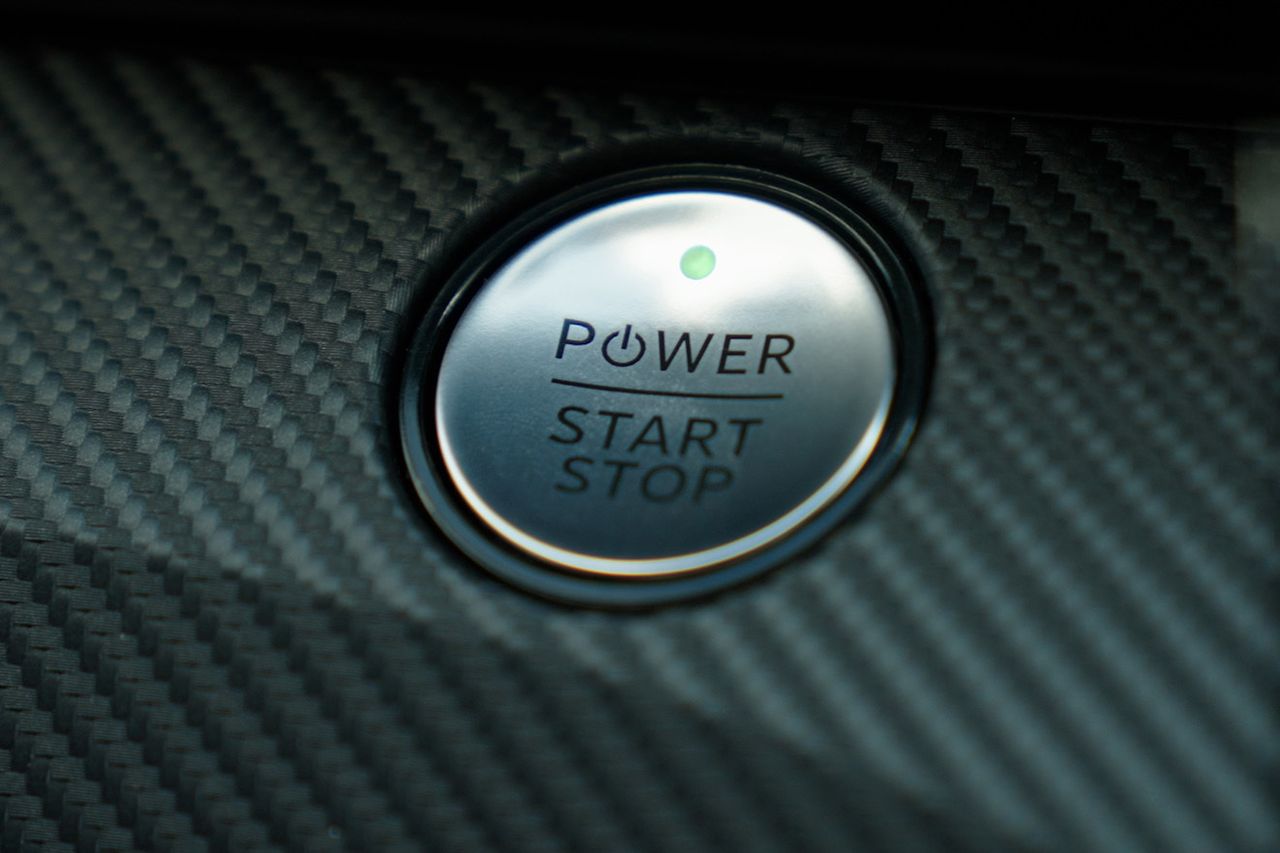
Instead of a physical key fob, Tesla provides a hotel-style keycard. You can also use Tesla’s smartphone app as a key. As soon as you open the Model Y’s door, the touch screen powers on and you can operate all controls. To get it moving, you step on the brake and move the gear shifter to Drive.
Volkswagen’s ID.4 is similar: If you have the app or the key fob with you, the car powers up when you sit in the driver’s seat. Press the brake pedal and the drive system activates.
Ford, Hyundai and Kia stick to start/stop push buttons. There are key fobs, but you can also set up the apps as keys.
How to drive the car
OK, you know how traditional automatic-transmission cars creep forward when you take your foot off the brake? That generally isn’t the case with EVs. To move, you tap the accelerator. (Even in reverse, which can be a little unnerving.) As soon as you take your foot off the accelerator, the car slows and brakes on its own. You only hit the brake pedal itself if the car isn’t slowing quickly enough.
Most EVs let you do “one-pedal driving”—that is, driving with only the accelerator.
Why change how we’ve driven for so long? Regenerative braking. These brakes use motors that capture energy and return it to the battery. Hybrids often have a variation of this too, but EVs are all about it. (Here’s a deeper discussion of how it works.)
The rapid, automatic deceleration can be unsettling at first. And some people told me it can make passengers nauseous or queasy. Don’t worry! On many EVs, you can turn off the setting or minimise its intensity. The Volkswagen doesn’t even prioritise it—you have to select the mode. Its default drive mode feels much more like a regular car.
But I’m a total one-pedal convert now. In fact, when I get back in my gas-powered Volvo, I have to remember to hit the brake.
How to know if the car is running
Unlike internal combustion engines that go “vrrrrr vrrrrr VROOOM” when you start them up, EVs sound like futuristic golf carts. I’ve definitely ended up restarting the Mach-E because I wasn’t sure it was on.
The National Highway Traffic Safety Administration has set guidelines for “quiet cars” to protect pedestrians—especially people who are blind or have low vision. Under 19 mph, the cars must emit some sound. My Mach-E beeps when I reverse. The Model Y’s whirring sounds like the spaceship in “E.T.”
Some automakers use synthetic sounds to make these new cars sound old school. In the Mach-E, when I put the car in Unbridled mode and press on the accelerator, it hums like an internal combustion engine.
How to pull in for a charge
I think we can all agree on the greatest automotive invention of all time: the little arrow on the gas gauge telling you which side the fuel cap is on. There’s no standardisation for charging-port location on an EV. (This diagram is proof.) I didn’t see any handy arrows inside the cars I tested. Turns out Hyundai and Kia show a little arrow on the screen (I didn’t see it) and Volkswagen does have a cool map of the car showing the charging port, but it’s a few taps into the settings.
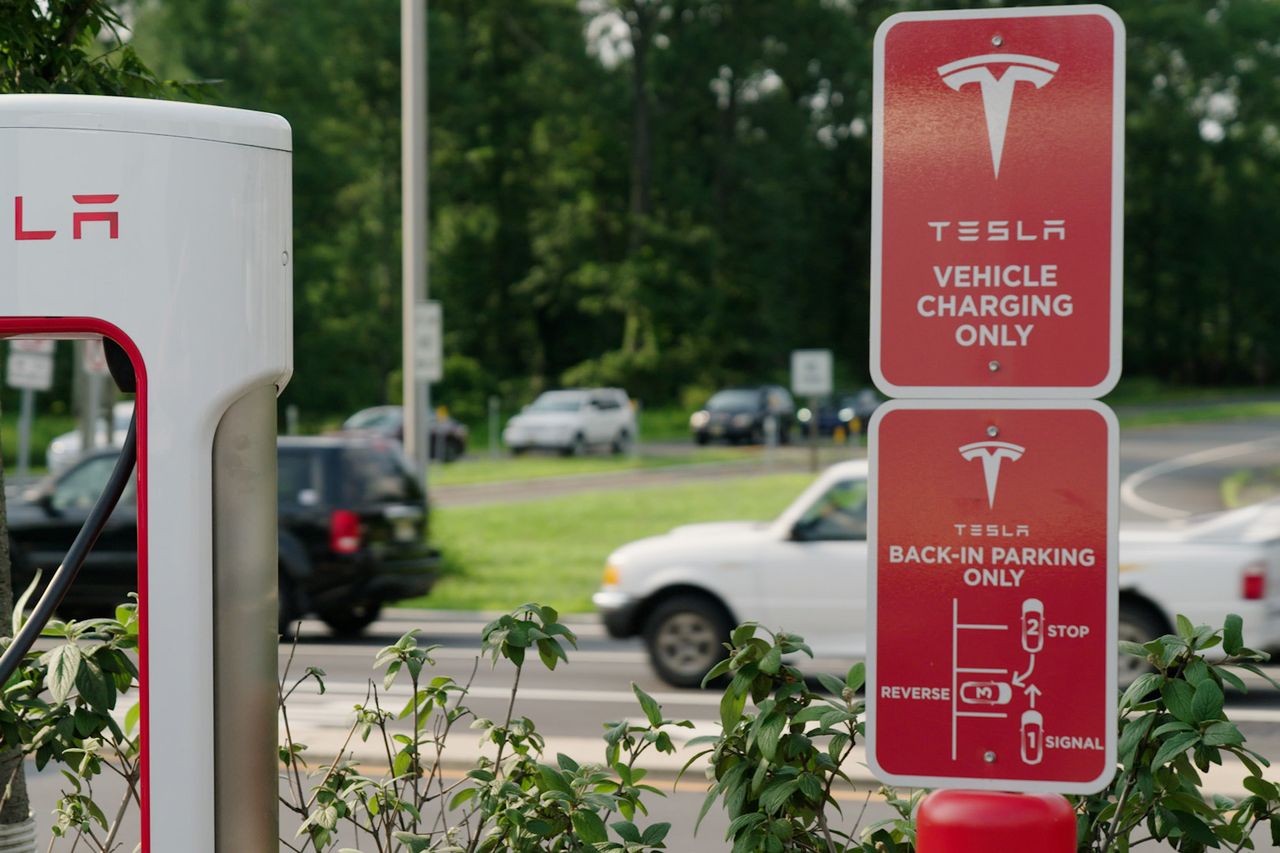
Again, you learn when it’s your own car. What’s not as easy to get used to? Reversing into a spot to plug in, a must at many charging stations with shorter cords.
Let me be clear, this is guidance, not a gripe fest. You’ll love driving an EV…as soon as you figure out how to get inside and turn it on.
 Copyright 2020, Dow Jones & Company, Inc. All Rights Reserved Worldwide. LEARN MORE




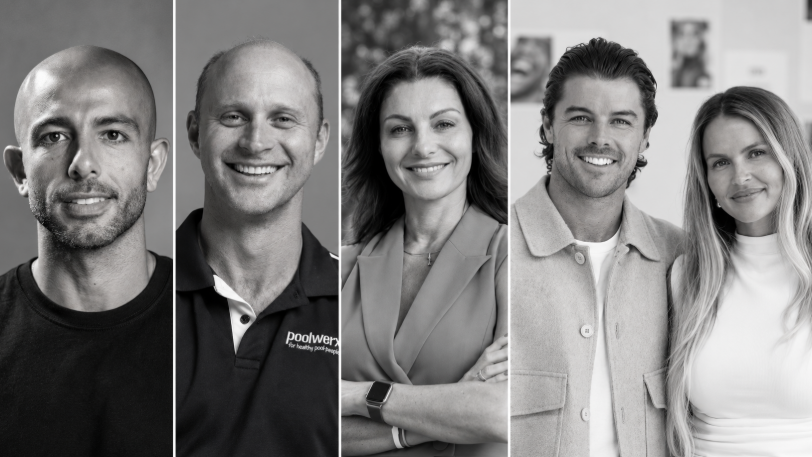
From making unpopular decisions to learning when to listen, leaders from five businesses reveal what nobody prepared them for — and how running a company has challenged their expectations.
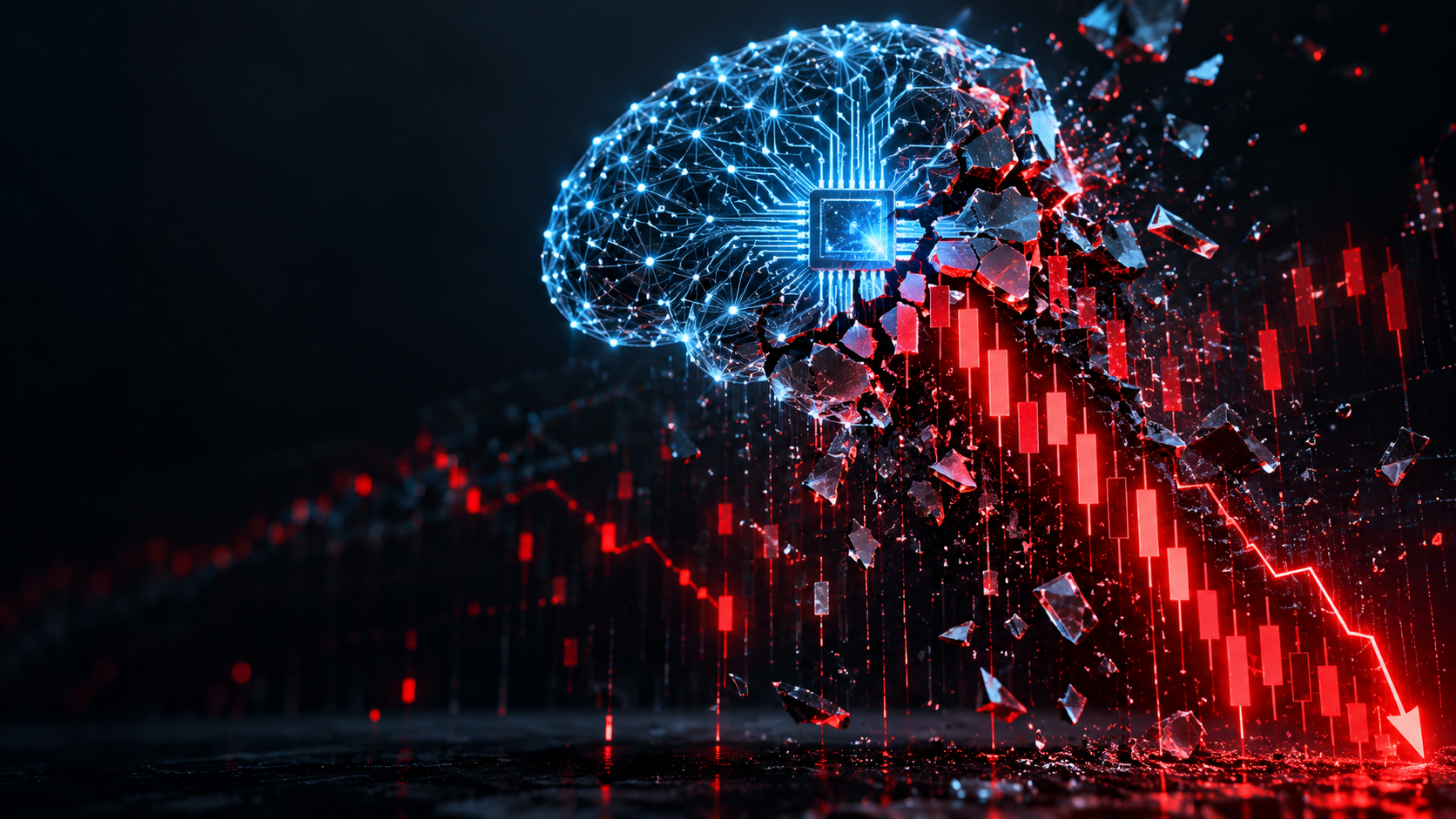
Technology and semiconductor shares fell sharply as investors questioned the debt financing the AI infrastructure boom and confronted higher rates and Chinese competition.

Elon Musk is exploring a potential merger between Tesla and SpaceX, a deal that could reshape the future of AI, robotics, autonomous vehicles and space technology. With a combined valuation potentially reaching $3.5 trillion, the move could bring Musk’s vision of an interconnected technology ecosystem closer to reality, although a deal remains uncertain.
5 min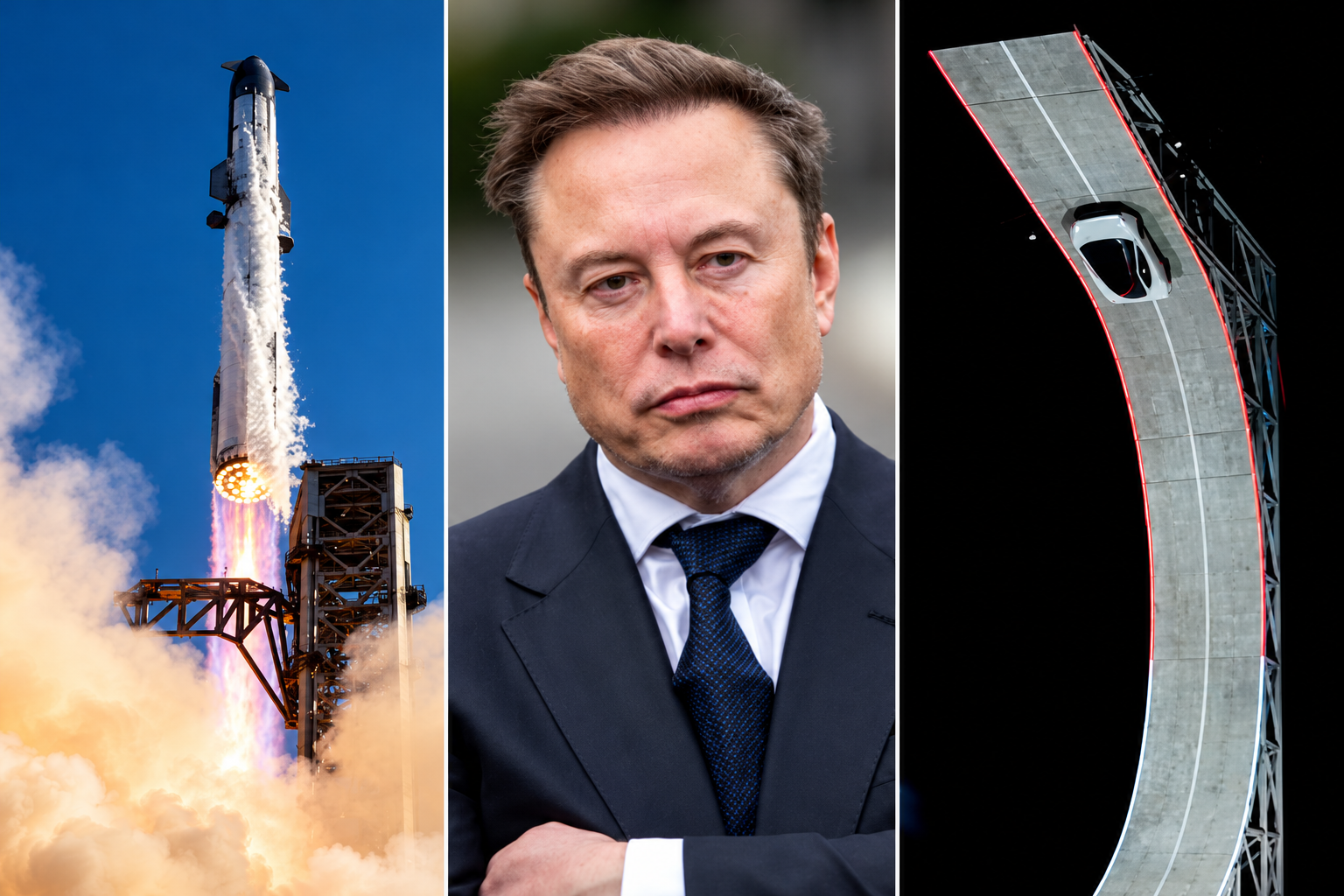
Elon Musk has engineered ties between Tesla TSLA 3.41%increase; up pointing triangle and SpaceX SPCX 7.79%increase; up pointing triangle that are hard to break, and now he wants to fuse them together permanently.
Musk has run both Tesla and SpaceX concurrently over the past two decades, using a schedule that dictated which days he spent focused on each business.
The companies have often shared resources and personnel, signaling their close ties. Last year, SpaceX looked into creating a spacesuit for Tesla’s humanoid robot Optimus, a person familiar with the matter said. Tesla last week showed off its new Roadster, a vehicle featuring SpaceX rocket thrusters that it hopes to soon bring to market.
And in recent months, Musk has repositioned both companies by expanding beyond their core operations toward a shared mission centered on artificial intelligence.
The world’s richest man on Tuesday signaled his interest in tying up SpaceX and Tesla, marking what would be the biggest corporate merger of all time. Because he serves as chief executive of SpaceX and Tesla, Musk said committees of independent directors at both companies are evaluating a possible deal, adding that a transaction might not come to fruition.
The committees will likely evaluate, with lawyers and bankers, how each company would fare in a potential deal and how a deal might best be structured. They then present their conclusions to their respective boards, who typically vote on whether to proceed.
“It’s an odd Kabuki dance where two groups of people are talking and I can’t be in the conversation,” Musk told SpaceX investors on Tuesday in response to an analyst’s question about a potential deal.
For Musk, the merger supports his vision of a world full of autonomous cars, humanoid robots and weekly rocket launches, as well as the data centers and satellites required to keep the whole thing running.
Some investors and analysts said they expect a transaction would be structured as an all-stock deal, with SpaceX potentially paying a modest premium for Tesla shares.
SpaceX, which has a market value of about $2 trillion, said it is seeing sharp growth in revenue across its businesses, which include operating data centers, launching rockets and operating satellite networks such as the internet service Starlink. Tesla is valued at about $1.5 trillion and is expanding its operations beyond its automotive and energy business. Shares in both companies traded higher following the news Tuesday.
Musk’s substantial ownership stakes in both companies, along with voting control at SpaceX, has enabled him to set the deal in motion. Analysts and investors said the deal will probably face regulatory scrutiny internationally, though some see Musk’s close relationship with the Trump administration as an asset to getting approval.
Blurred lines
The companies haven’t said which directors are on the special committees evaluating a potential deal. Several SpaceX and Tesla board members have either personal or business ties to Musk. And like Musk, venture capitalist Ira Ehrenpreis sits on both boards.
In a filing this week, Tesla outlined millions of dollars in business agreements with SpaceX and its subsidiaries last year, including $143 million in car sales to SpaceX, $3.3 million in advertising that it bought on the social-media platform X and $430 million in revenue from the sale of Megapack batteries for SpaceX’s data centers.
The companies also split the cost of resources including the use of Musk’s SpaceX jet and the bill for his personal security, which he runs through a private company.
Employees at both companies routinely move between companies to work on special projects, and some executives have dual roles, including Charles Kuehmann, vice president of materials engineering at both SpaceX and Tesla, and Ashok Elluswamy, the vice president of AI software at Tesla who runs a joint venture with SpaceX called Digital Optimus.
Over the years, Musk has launched new startups within his empire, including brain-implant company Neuralink, underground-tunnel developer the Boring Company and xAI, the AI startup that merged with SpaceX in February.
It is that AI business that Musk thinks can serve a market worth tens of trillions of dollars, justifying the need for a merger.
The business case goes like this: Tesla is developing robotaxis and robots, which it calls “physical AI.” SpaceX is working on the back end of physical AI: the data-center capacity and internet connection required for those robotaxis and robots to operate continuously.
“I don’t see what the value of Tesla is if it’s not merged with SpaceX,” said investment adviser Ross Gerber, a former Tesla bull turned critic invested in both companies. “If they don’t merge, the brains of everything that runs Tesla is owned by another company.”
On top of it all, both companies face constraints on the supply chains they need to make this world a reality, particularly when it comes to chips. To address this, Musk earlier this year announced a joint venture between Tesla, SpaceX and Intel to design and manufacture chips in Texas. “The most epic chip-building exercise by far,” he has said.
Musk at the wheel
For Musk, a merger would also solve two problems: demands on his attention and his lack of control at Tesla.
Tesla for years was Musk’s only public company, a status that came with greater scrutiny. There, Musk reports to a public board, as well as individual investors who make up around 30% of Tesla’s voting power, according to FactSet.
The question of Musk’s attention became a particular focus for investors and the board in recent years after he acquired Twitter in 2022 and launched xAI in 2023, and again in 2025 as he spent time in Washington, D.C., running the Department of Government Efficiency in the early months of President Trump’s second term.
As Tesla’s car business suffered in 2025, Musk threatened to take his AI ambitions outside the company if he wasn’t granted 25% voting control. Last November, Tesla shareholders approved a new pay package for Musk, which created a path for him to vastly expand his stake.
As of Sept. 30, Musk owned a roughly 20% stake in Tesla, according to the company’s proxy filing.
The SpaceX IPO gave Musk a different path. When SpaceX went public in June, the deal’s structure enabled him to have more than 80% voting power at the company—so much that he can’t be fired and decisions can’t be made without his support.
If SpaceX acquires Tesla, he will likely stay in control.

A cluster of century-old warehouses beneath the Harbour Bridge has been transformed into a modern workplace hub, now home to more than 100 businesses.

From Tokyo backstreets to quiet coastal towns and off-grid cabins, top executives reveal where they holiday and why stepping away makes the grind worthwhile.