

Apple Watch Series 9 Review: Why the Watch Isn’t as Useful as It Could Be
It has a new double-tap feature and brighter screen, but latest model has same battery life the watches have had since 2015: 18 hours

 4 min
4 min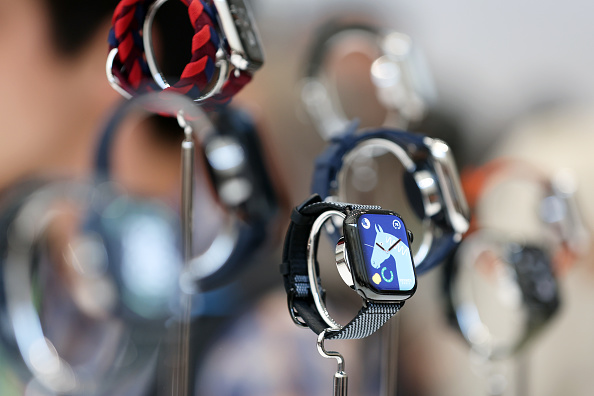
If you asked me, “Should I upgrade my Apple Watch to the Series 9 this year?” I’d probably say no.
It’s a fine watch. It’s just not much better than the Series 8, which you can get cheaper, even refurbished right from Apple.
I have been testing the $399-and-up Series 9 for nearly a week. Available on Sept. 22, it includes a few upgrades, including a one-handed, double-tap gesture and a brighter screen. Apple says one version of it—the aluminum case with Sport Loop band—is carbon neutral.
Many things, though, remain unchanged from last year’s, including the health sensors and design. I’m most grumpy about the battery life. Back in 2015, Apple promised 18 hours. Today, Apple promises…18 hours. Eight years and a dozen models later, we still need to charge these watches daily.
The Apple Watch is the bestselling smartwatch in the world, but battery life is where competitors such as Garmin still have an edge. It’s what holds the Apple Watch back from true all-day/all-night/all-weekend usefulness.
Double tap and new features
The improvements to the Series 9 are internal, enabling new features that are nice-to-haves. There are no game-changers.
Double tap: The new watch senses when you pinch your thumb and index finger twice, in quick succession. The gesture triggers an action that varies depending on what you’re doing. If you’re playing a song, you can double-tap to pause or skip. For incoming texts, it starts a reply with voice dictation. For calls, it picks up the phone. For timers, it dismisses the alert.
Double tap will come in an update rolling out next month. It’s useful for one-handed operation, while you’re holding on to a subway pole or cup of coffee. It also works while you’re wearing gloves.
A similar accessibility feature called AssistiveTouch is available on Series 4 models and newer. You can even double-pinch to dismiss notifications. In my tests, AssistiveTouch wasn’t always as responsive as double-tapping on the Series 9, but if you already have an Apple Watch, it’s worth enabling.
Offline Siri: Apple’s voice assistant can now process some queries faster and more accurately, because it doesn’t need to send the request to the server over Wi-Fi or cellular. You can set timers—even multiple timers in the WatchOS 10—almost instantaneously.
Brighter screen: The display goes up to 2,000 nits, up from 1,000 nits last year. If you don’t speak nits, that translates to a screen that’s easier to see outdoors on a sunny day. Its dimmest setting is also lower, way down to one nit. The Apple Watch adjusts screen brightness automatically based on ambient light, so the brighter screen isn’t noticeable in most settings.
Precision iPhone finding: I use my Apple Watch’s Find My iPhone ping basically every day, so I thought I’d like precision finding. When you’re within about 30 feet of the iPhone, you can see its distance and direction—similar to an AirTag. It’s nice for those who might be unable to hear the audible ping triggered by older models, but that never failed me. And this trick only works with an iPhone 15 model.
Stalled battery life
In its quest to make the smartwatch a jack-of-all-trades wearable with a high-resolution, multitouch screen, Apple has sacrificed battery life. The new S9 processor is 25% more power efficient than last year’s model. But over the years, the company has added more sensors, brighter screens and other energy-sucking elements.
During the watch’s recent unveiling, Deidre Caldbeck, the director of Apple Watch product marketing, highlighted the company priority: “This powerful custom silicon is what allows us to maintain all-day 18-hour battery life while adding new features and systemwide improvements.”
Garmin wearables, meanwhile, have lower-resolution displays that can last days. Some models have solar panels embedded in their watch faces, and can last weeks. It’s something I’m painfully reminded of every time I forget my Apple Watch charger on a weekend trip. Cue the gloating by my Garmin-wearing husband, who never brings his charger.
Apple often touts the watch’s health-tracking capabilities in marketing materials. For this to work, though, it has to be on your wrist—even at night, while you sleep. That’s tough when it needs to be charged once a day.
Charging wouldn’t be as problematic if the Apple Watch didn’t need its own proprietary puck to power up. (Garmin’s new Vivomove Trend is one of the first to work with standard Qi wireless charging.)
I’m not saying Apple Watches are useless without default multi day battery life. I wear mine so often that I have a squircle-shaped tan on my wrist. But a battery-life quantum leap is needed.
That could be coming next year. The Apple Watch was announced 10 years ago next fall, and that anniversary could mean a big redesign. According to a Bloomberg report, a new band system could make room in the watch’s case for more sensors—or, I hope, a bigger battery—and a switch to a more energy-efficient microLED display could lead to power gains.
How to get longer battery life
If you want the longest battery life right now, there’s the $799 Apple Watch Ultra. It lasts a day and a half by default. But even the new, modestly upgraded model is a bulky chunkster, especially on smaller wrists. Anyone else looking for a big Apple Watch change should wait until 2024.
Meanwhile, you can temporarily double the battery life by taking away power-draining features.
• Enable low-power mode: You can quickly enable low-power mode for set periods. Press the side button to open the Control Center, then tap on the battery percentage and scroll down.
Just beware: It does disable some of the lifesaving heart-rate notifications and the power-hungry always-on display. When double tap is available, low-power mode will also disable that gesture.
• Reduce workout sensor readings: Go to Settings > Workout, then tap Fewer GPS and Heart Rate Readings to enable. When in low-power mode, the watch won’t capture GPS or heart-rate data as frequently during outdoor workouts, further extending battery life.
You can also disable some functions. I managed to squeeze 48 hours out of the Series 9 by turning off the most battery-intensive ones, but it’s a trade-off:
• Double tap: When the feature rolls out to Series 9 models next month, you can turn it off. Go to Settings > Gestures > Double Tap to disable.
• Always-on display: Go to Settings > Display & Brightness. Tap Always On to disable.
• Background app refresh: Go to Settings > General. Scroll down to Background App Refresh to disable entirely or turn off for certain apps.
• Reduce display brightness: In Settings > Display & Brightness, you can adjust the default setting.
 Copyright 2020, Dow Jones & Company, Inc. All Rights Reserved Worldwide. LEARN MORE




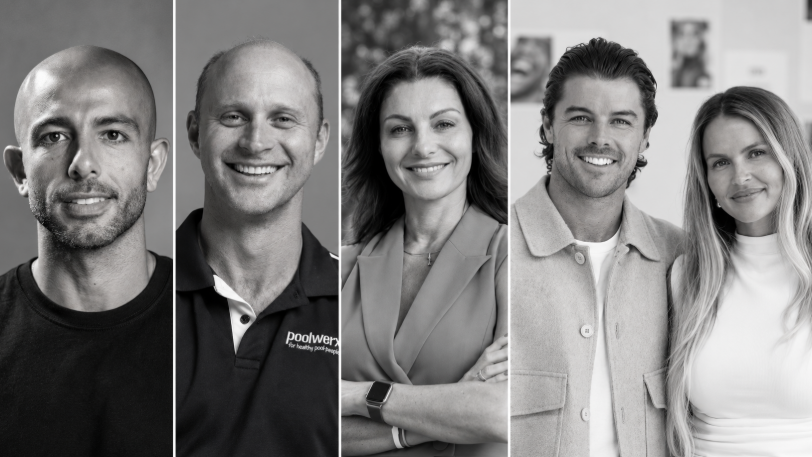
From making unpopular decisions to learning when to listen, leaders from five businesses reveal what nobody prepared them for — and how running a company has challenged their expectations.
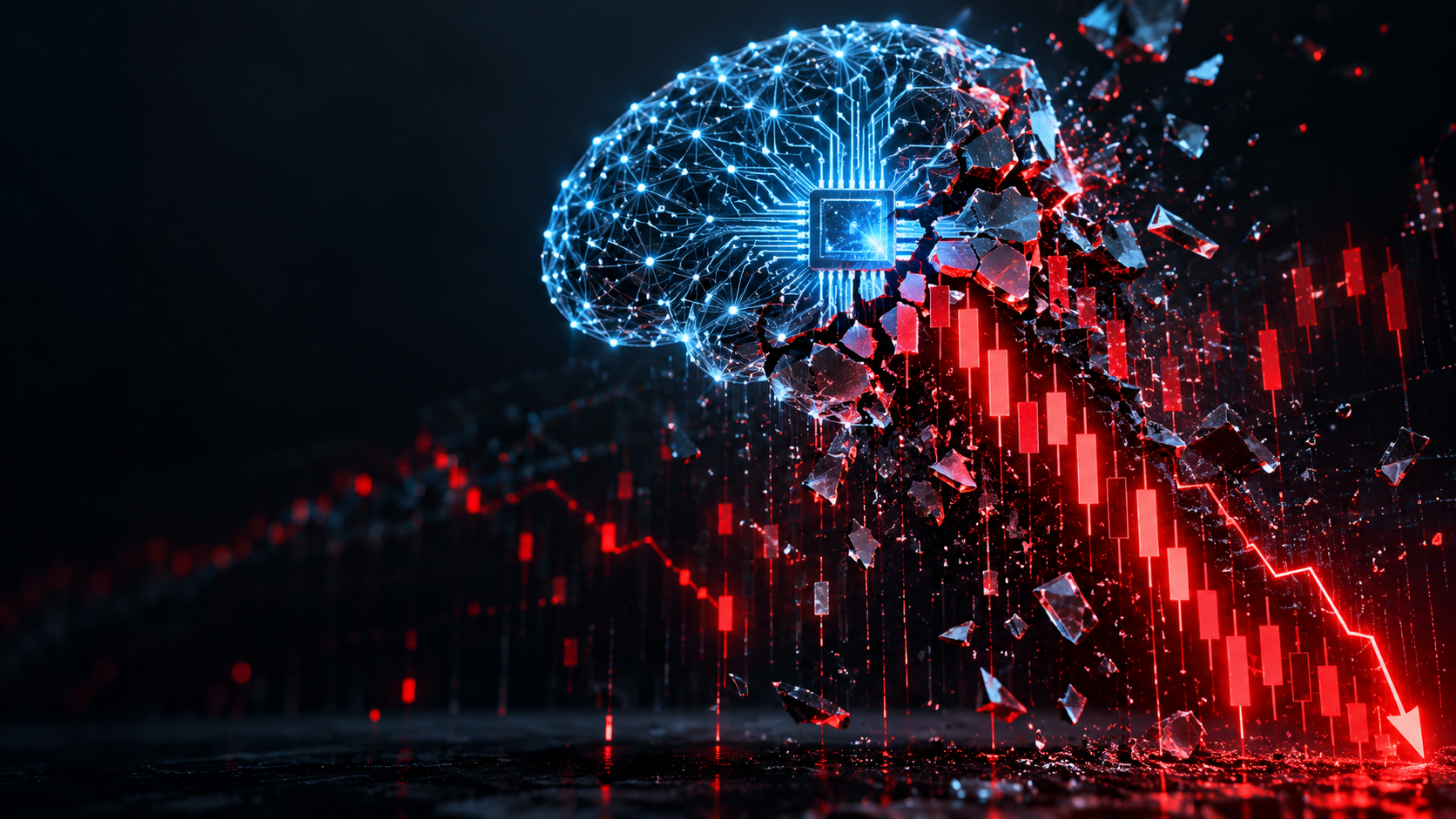
Technology and semiconductor shares fell sharply as investors questioned the debt financing the AI infrastructure boom and confronted higher rates and Chinese competition.
Elon Musk is exploring a potential merger between Tesla and SpaceX, a deal that could reshape the future of AI, robotics, autonomous vehicles and space technology. With a combined valuation potentially reaching $3.5 trillion, the move could bring Musk’s vision of an interconnected technology ecosystem closer to reality, although a deal remains uncertain.
5 min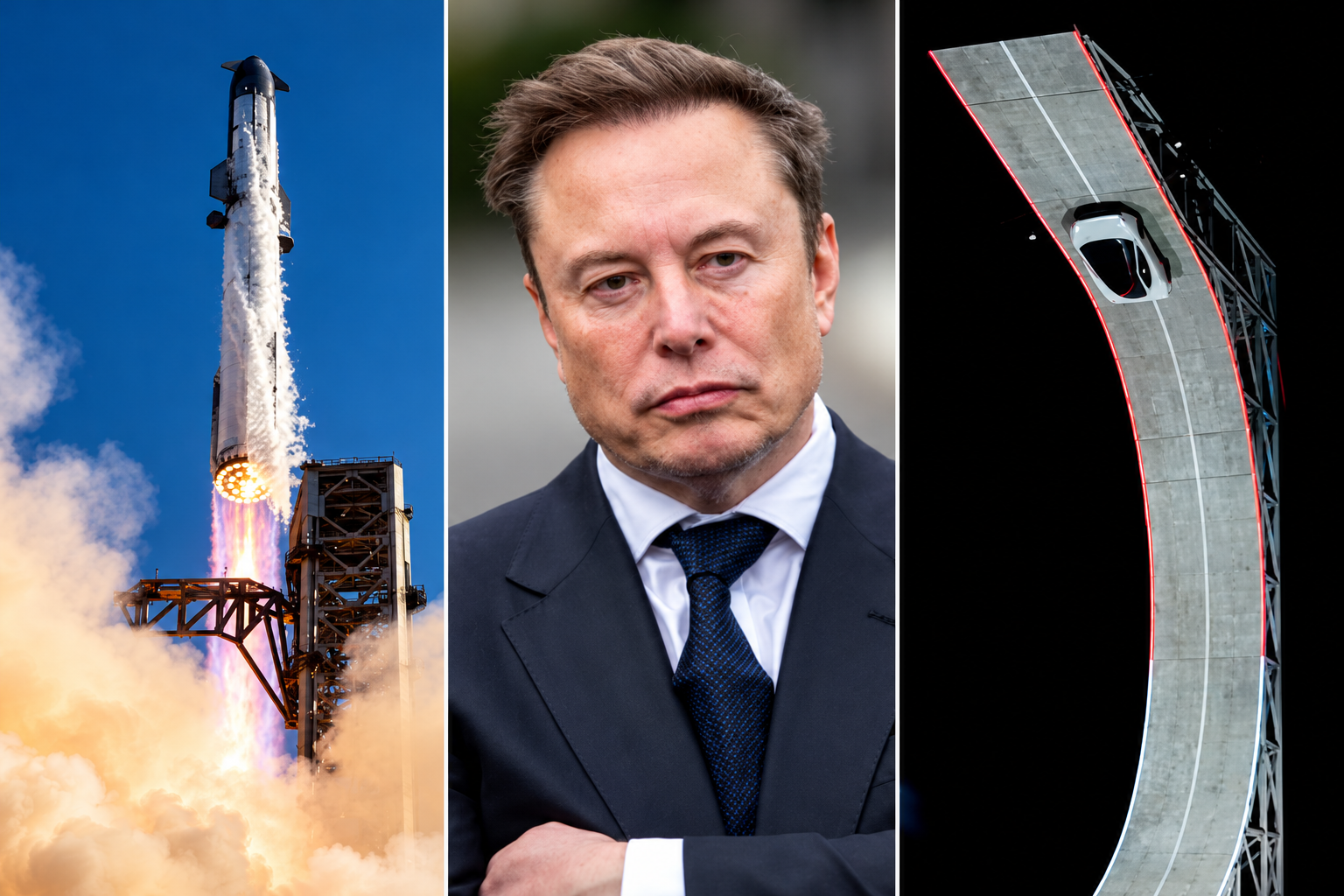
Elon Musk has engineered ties between Tesla TSLA 3.41%increase; up pointing triangle and SpaceX SPCX 7.79%increase; up pointing triangle that are hard to break, and now he wants to fuse them together permanently.
Musk has run both Tesla and SpaceX concurrently over the past two decades, using a schedule that dictated which days he spent focused on each business.
The companies have often shared resources and personnel, signaling their close ties. Last year, SpaceX looked into creating a spacesuit for Tesla’s humanoid robot Optimus, a person familiar with the matter said. Tesla last week showed off its new Roadster, a vehicle featuring SpaceX rocket thrusters that it hopes to soon bring to market.
And in recent months, Musk has repositioned both companies by expanding beyond their core operations toward a shared mission centered on artificial intelligence.
The world’s richest man on Tuesday signaled his interest in tying up SpaceX and Tesla, marking what would be the biggest corporate merger of all time. Because he serves as chief executive of SpaceX and Tesla, Musk said committees of independent directors at both companies are evaluating a possible deal, adding that a transaction might not come to fruition.
The committees will likely evaluate, with lawyers and bankers, how each company would fare in a potential deal and how a deal might best be structured. They then present their conclusions to their respective boards, who typically vote on whether to proceed.
“It’s an odd Kabuki dance where two groups of people are talking and I can’t be in the conversation,” Musk told SpaceX investors on Tuesday in response to an analyst’s question about a potential deal.
For Musk, the merger supports his vision of a world full of autonomous cars, humanoid robots and weekly rocket launches, as well as the data centers and satellites required to keep the whole thing running.
Some investors and analysts said they expect a transaction would be structured as an all-stock deal, with SpaceX potentially paying a modest premium for Tesla shares.
SpaceX, which has a market value of about $2 trillion, said it is seeing sharp growth in revenue across its businesses, which include operating data centers, launching rockets and operating satellite networks such as the internet service Starlink. Tesla is valued at about $1.5 trillion and is expanding its operations beyond its automotive and energy business. Shares in both companies traded higher following the news Tuesday.
Musk’s substantial ownership stakes in both companies, along with voting control at SpaceX, has enabled him to set the deal in motion. Analysts and investors said the deal will probably face regulatory scrutiny internationally, though some see Musk’s close relationship with the Trump administration as an asset to getting approval.
Blurred lines
The companies haven’t said which directors are on the special committees evaluating a potential deal. Several SpaceX and Tesla board members have either personal or business ties to Musk. And like Musk, venture capitalist Ira Ehrenpreis sits on both boards.
In a filing this week, Tesla outlined millions of dollars in business agreements with SpaceX and its subsidiaries last year, including $143 million in car sales to SpaceX, $3.3 million in advertising that it bought on the social-media platform X and $430 million in revenue from the sale of Megapack batteries for SpaceX’s data centers.
The companies also split the cost of resources including the use of Musk’s SpaceX jet and the bill for his personal security, which he runs through a private company.
Employees at both companies routinely move between companies to work on special projects, and some executives have dual roles, including Charles Kuehmann, vice president of materials engineering at both SpaceX and Tesla, and Ashok Elluswamy, the vice president of AI software at Tesla who runs a joint venture with SpaceX called Digital Optimus.
Over the years, Musk has launched new startups within his empire, including brain-implant company Neuralink, underground-tunnel developer the Boring Company and xAI, the AI startup that merged with SpaceX in February.
It is that AI business that Musk thinks can serve a market worth tens of trillions of dollars, justifying the need for a merger.
The business case goes like this: Tesla is developing robotaxis and robots, which it calls “physical AI.” SpaceX is working on the back end of physical AI: the data-center capacity and internet connection required for those robotaxis and robots to operate continuously.
“I don’t see what the value of Tesla is if it’s not merged with SpaceX,” said investment adviser Ross Gerber, a former Tesla bull turned critic invested in both companies. “If they don’t merge, the brains of everything that runs Tesla is owned by another company.”
On top of it all, both companies face constraints on the supply chains they need to make this world a reality, particularly when it comes to chips. To address this, Musk earlier this year announced a joint venture between Tesla, SpaceX and Intel to design and manufacture chips in Texas. “The most epic chip-building exercise by far,” he has said.
Musk at the wheel
For Musk, a merger would also solve two problems: demands on his attention and his lack of control at Tesla.
Tesla for years was Musk’s only public company, a status that came with greater scrutiny. There, Musk reports to a public board, as well as individual investors who make up around 30% of Tesla’s voting power, according to FactSet.
The question of Musk’s attention became a particular focus for investors and the board in recent years after he acquired Twitter in 2022 and launched xAI in 2023, and again in 2025 as he spent time in Washington, D.C., running the Department of Government Efficiency in the early months of President Trump’s second term.
As Tesla’s car business suffered in 2025, Musk threatened to take his AI ambitions outside the company if he wasn’t granted 25% voting control. Last November, Tesla shareholders approved a new pay package for Musk, which created a path for him to vastly expand his stake.
As of Sept. 30, Musk owned a roughly 20% stake in Tesla, according to the company’s proxy filing.
The SpaceX IPO gave Musk a different path. When SpaceX went public in June, the deal’s structure enabled him to have more than 80% voting power at the company—so much that he can’t be fired and decisions can’t be made without his support.
If SpaceX acquires Tesla, he will likely stay in control.
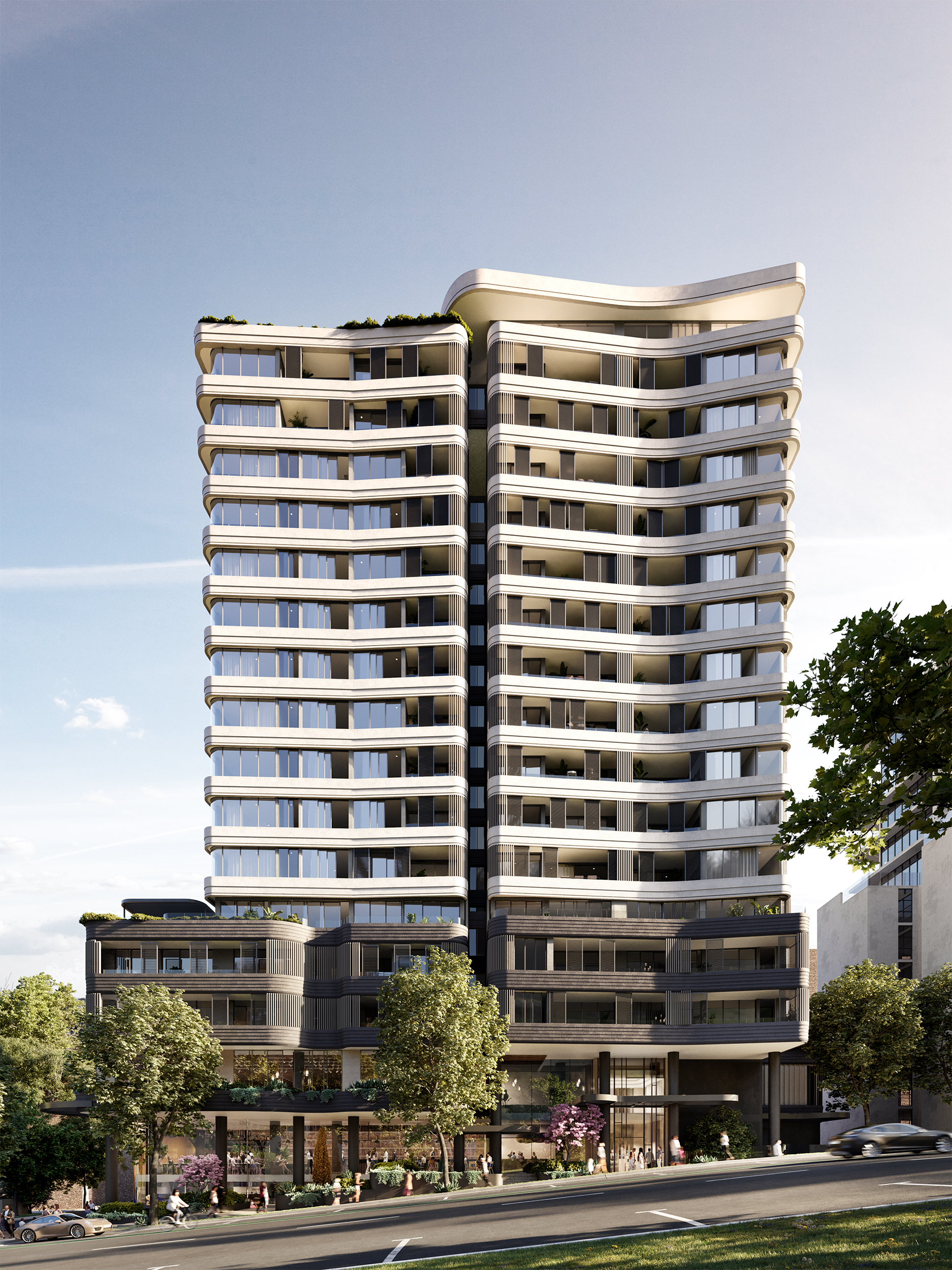
Located steps from Crows Nest Metro, the near-complete development brings luxury living to Sydney’s Lower North Shore.
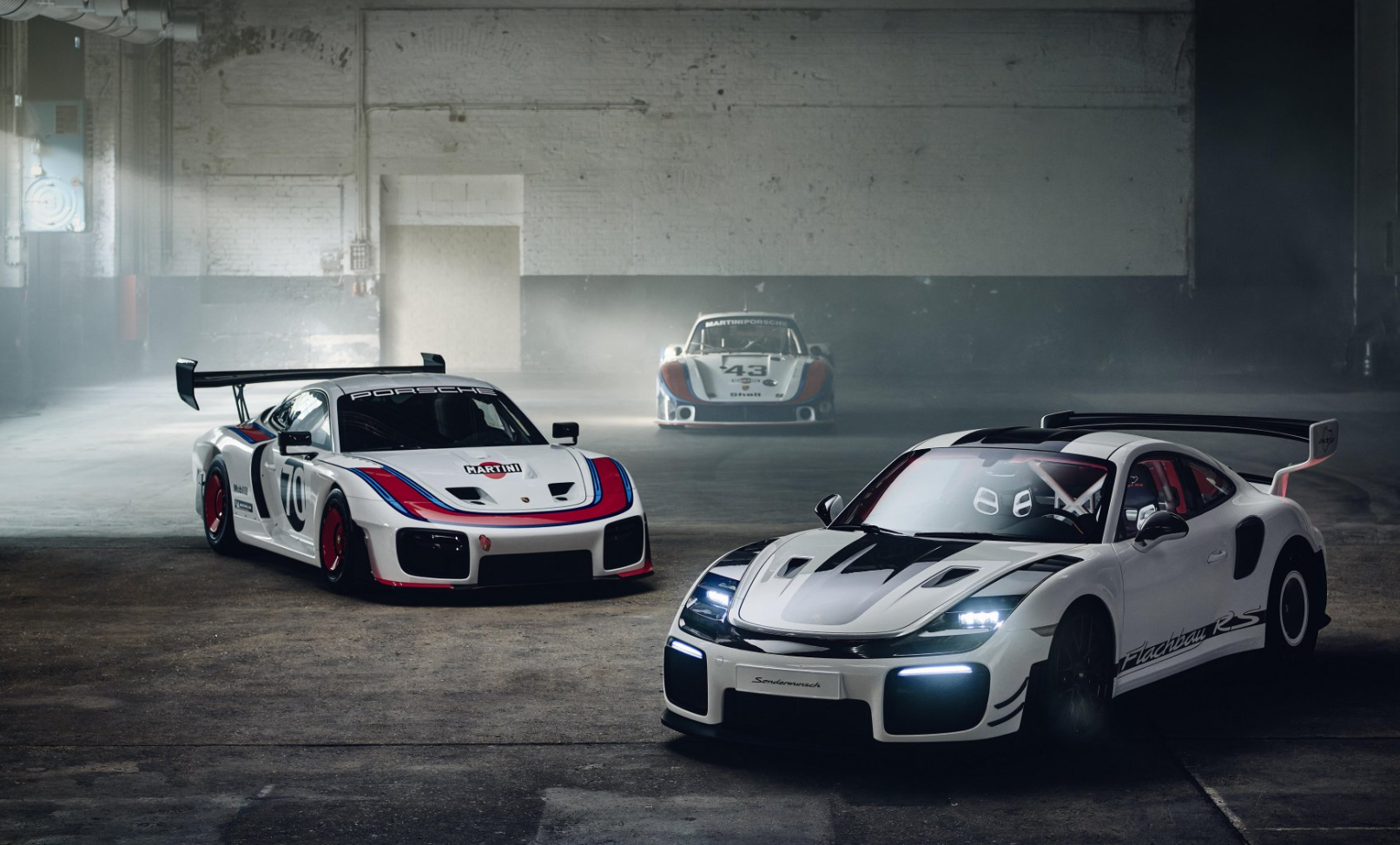
Porsche has revealed a one-off 911 GT2 RS that brings the extraordinary silhouette of its 935/78 “Moby Dick” racing car onto the road. Created by Porsche Sonderwunsch with Manthey, the commission began with a near-new GT2 RS. The owner requested greater performance, a Slantnose profile and a rear wing influenced by the limited 911 GT3 …
Continue reading “Porsche Builds a Road-Going “Moby Dick” From a 911 GT2 RS”