

A New iPhone Is Coming. Should You Upgrade or Just Fix Your Old One?
By improving sluggish performance or replacing a broken screen, you can make your old iPhone feel new agai

 4 min
4 min
When the scent of pumpkin spice lattes starts to fill the air, I know it’s time for those texts from friends and family: “Should I get the new iPhone?”
My answer? Ehh, probably not. Temptation to upgrade will be high after Apple’s Sept. 9 launch event. And there are very good reasons to buy the new model.
But just because your oldie but goody suffers from sluggish performance, short battery life or a cracked touch screen, it isn’t doomed to become e-waste.
By spending a little on repairs, you could save hundreds of dollars and extend your current iPhone’s life by a year or more. Plus, it’s worth waiting for the imminent iOS 26 software update , which will add new tricks to recent older hardware—at no additional cost.
Upgrade, update or repair?
That all depends on your model and its condition. Is your current iPhone…
…more than six years old? Upgrade. Apple supports iPhones with new software updates for about seven years. The version of iOS expected next month doesn’t support iPhone XS, XS Max or XR, or any earlier models. These updates include crucial security fixes, and outdated software can put your data at risk, so yes, you’ll need new hardware.
…a 2019 or newer model? Update. iOS 26 comes with a live translator, spam-call screener and other helpful new capabilities, though the “liquid glass” redesign will require some adjustment.
A note: Even if your model is compatible with iOS 26 , some tricks are only available in the newest iPhones. Apple Intelligence, which includes access to ChatGPT via Siri and Genmoji, only works on iPhone 15 Pro, all of the iPhone 16 models (including the 16e ) and of course the iPhones Apple is about to announce.
… feeling slow? Or short on battery life? Repair. A battery replacement can help with performance and battery life. As your iPhone’s battery ages, the device is designed to draw less power, which means occasional unexpected shutdowns.
Go to Settings > Battery > Battery Health. If the capacity is below 80%, you should replace your battery. That should cost $99 or less, depending on the model.
If your battery is above 80%, go to Settings > General > iPhone Storage. Deleting unused apps or uploading photos to the cloud can help with speed too.
…cracked? Repair. The cost depends on your model and the damage.
Apple’s online tool can spit out an estimate for an Apple Store screen swap, which generally runs between $199 and $379. You typically make an appointment and then wait about 30 minutes.
Independent shops can offer you a lower price for a third-party aftermarket part, but quality can vary. While iPhones now have OLED screens, you can go cheap and replace yours with an LCD screen. But they don’t look as good and can cause rapid battery drain, said Jessa Jones, owner of iPad Rehab Microsoldering, a mobile-device repair and data recovery shop in Honeoye Falls, N.Y.
If you’re given the option, go for a “soft” OLED screen for the best combination of sharpness and durability.
Broken back glass is trickier. Apple charges between $199 and $499 for this repair. Jones said it often requires swapping the whole external housing to preserve water-resistance.
Cameras are one of the simplest repairs, Jones said. She replaced two different camera lenses on her iPhone 12 Pro, and the raw materials only cost her $1.43. Through Apple, this repair costs between $169 and $249. Jones’s shop charges $50 plus tax for a repair with aftermarket parts.
…not working properly? Repair or replace. Start with an Apple Store consultation. Issues such as water damage or a faulty charging port need a deeper assessment. For these trickier cases, Apple may recommend paying for a replacement phone. In that event, if you don’t have AppleCare, it might be better to buy one of the latest iPhones instead.
A local, independent shop might have more creative solutions. “For water damage, we’d tear down the entire phone, remove everything, and let it sit in a dehumidifier for a little while,” said Alex Hausfeld, a franchise consultant and former technician at uBreakiFix, which has over 680 repair locations.
Apple Store vs. repair shop vs. DIY
If you live near an Apple Store or an Apple-authorized service provider, a repair is straightforward. You can make an online reservation for in-person support , and often the repair can happen while you wait.
If you’re far from a store, Apple’s mail-in option can take up to nine business days, round trip.
There are also DIY kits from Apple , iFixit and others—a route for savvy tinkerers only, warned Jones. “Taking off a screen used to be like shucking an oyster. But they have become thinner and thinner. They’re easy to break, and really expensive.”
A local repair shop can be more convenient and affordable than either of those options. But because quality varies, uBreakiFix’s Hausfeld suggests vetting the technician with these questions:
• Is the replacement a genuine original manufacturer or aftermarket option? If it’s the latter, ask about potential impacts to performance.
• After the repair, how will the water-resistance and durability of the phone change?
• What warranty do you offer for replacement parts? Many shops should guarantee their parts for at least six months; uBreakiFix has a one-year warranty.
This year, your best iPhone upgrade might be a fresh battery, a clean screen and some new software tricks. Plus, the extra cash you get to keep in your pocket.
 Copyright 2020, Dow Jones & Company, Inc. All Rights Reserved Worldwide. LEARN MORE




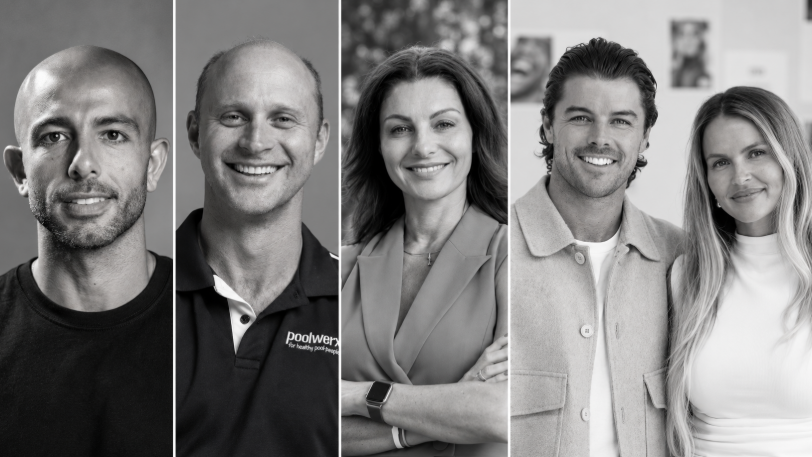
From making unpopular decisions to learning when to listen, leaders from five businesses reveal what nobody prepared them for — and how running a company has challenged their expectations.

Technology and semiconductor shares fell sharply as investors questioned the debt financing the AI infrastructure boom and confronted higher rates and Chinese competition.

From making unpopular decisions to learning when to listen, leaders from five businesses reveal what nobody prepared them for — and how running a company has challenged their expectations.
8 minLeaders from five businesses share what running a company has taught them — and why the reality hasn’t always matched their expectations.
Leadership can look very different from the outside. Behind the title are difficult decisions, competing demands and the challenge of knowing when to speak, when to listen and when to change course.
From digital marketing and wearable technology to property, pool care and dental technology, these business leaders share the lessons nobody prepared them for.
Sabri Suby, King Kong
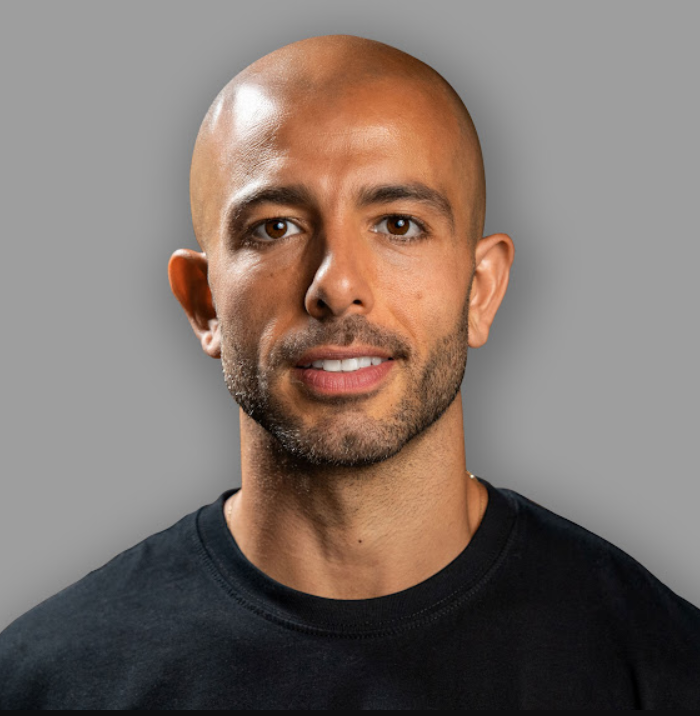
Sabri Suby launched digital marketing agency King Kong in 2014 with $50 and a laptop, working from his home in Byron Bay. A regular on the Australian Financial Review’s Young Rich List, he is also a bestselling author, a former Shark Tank Australia investor and a father of three.
“The biggest misconception about being a CEO is that you won’t have a boss. People think, ‘I want to start my own company so I can be the CEO and be my own boss.’ Little do they know that you start working for 10, 20, sometimes hundreds of bosses. Nothing is more important than delivering for your client, and you’re held accountable to them every single day.
“With my team members, I never refer to them as employees. They don’t work for me; they work with me. The whole idea of the CEO as the big boss at the top is completely false.
“Company building is one of the most creative endeavours there is. If you’re a builder, and you love building systems, teams, products and services — all the things I love to do — then it’s the ultimate canvas.
“Great leaders think of their company as a living organism. You have to do what’s best for the whole organisation. That means making the hard, unpopular decisions. As a leader, you have to zoom out and optimise for the overall health of the organisation, and then sometimes carry the weight of being misunderstood while you do it.
“The lid on any organisation is the founder’s ability to think big. You can point to countless businesses in the smallest, boring niches that became enormous, billion-dollar companies purely because the founder was able to conceive it before they could achieve it.
“Early in my career, I had a bad case of shiny object syndrome. I was under the false belief that the more opportunities I pursued and said yes to, the more I’d increase my surface area of luck. It’s actually the opposite. Focus is what increases your luck: your ability to concentrate on the few things that really matter and say no to everything else.”
Nicky Zhu, Dymesty
Growing up, Nicky Zhu wanted to be an archaeologist. Instead, her career in wearable AI has involved digging through layers of technological complexity. At smart-glasses company Dymesty, she has learned that leadership requires conviction, honest feedback and the courage to be challenged.
“Nobody tells you that leadership at a startup means making decisions with conviction while privately questioning every single one of them. The hardest part of leadership isn’t the technology, the fundraising or the competition. It’s the loneliness of being the person who has to project certainty when certainty doesn’t exist.
“Your team doesn’t need you to be right. They need you to be decisive. I’ve made calls that turned out wrong — killing a product feature three weeks before launch, restructuring our supply chain partnership mid-production — and the team recovered. What they couldn’t recover from was the quarter I hesitated.
“I delayed a critical hiring decision for six weeks because I wasn’t sure we could afford the role. That hesitation cost us a product development cycle and sent a signal to the team that I didn’t trust our own trajectory. The damage from indecision was worse than any bad decision I’ve made.
“As CEO, you will often be the last person to hear the truth. The day you take on that role, the quality of honest feedback you receive drops by half. People filter. They soften. They tell you what’s working and route around what isn’t.
“I learned to build what I call ‘truth channels’ — one-on-one check-ins where I explicitly ask each team member to tell me one thing that’s broken and one thing I’m wrong about. The first two months, I got polite deflections. By month four, I was getting the kind of direct feedback that saved us from shipping a product with a critical UX flaw nobody had escalated.
“Your job isn’t to be the smartest person in the room. It’s to make the room safe enough for the smartest person to speak up. I’ve watched technically brilliant engineers sit silent in meetings because the culture rewarded agreement over dissent.
“The moment I started publicly rewarding the person who challenged my thinking — not just tolerating it, but thanking them in front of the team — the quality of our product decisions improved measurably.
“Leadership isn’t a skill you develop and then possess. It’s a practice you repeat daily while constantly discovering new ways you’re getting it wrong. I genuinely love that there’s no finish line. It keeps the work alive.”
Nic Brill, Poolwerx
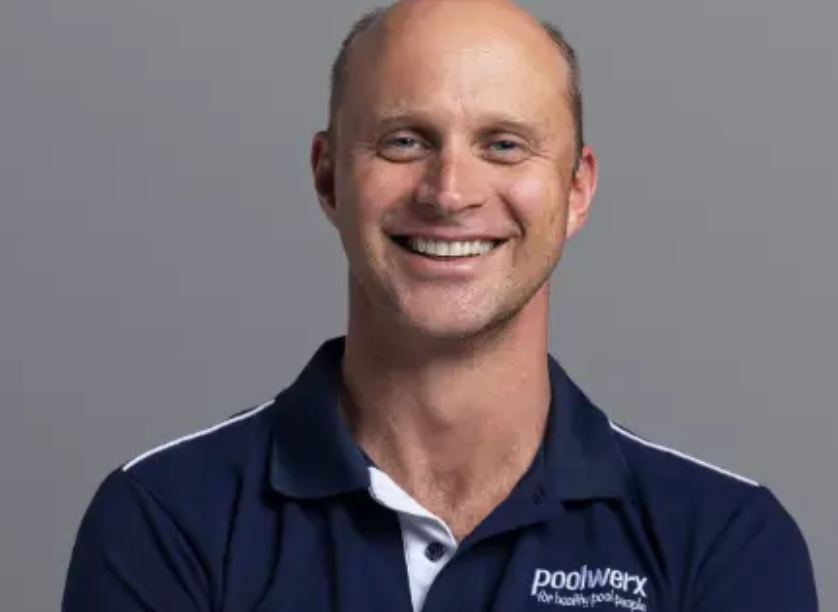
Nic Brill began competitive swimming at six in his home country of South Africa. Perhaps fittingly, his career eventually led him to Poolwerx, the pool and spa maintenance business founded in Queensland. He became its Australia and New Zealand CEO in 2022 and global CEO in October 2025.
“My background in swimming meant I learned early on that while individual discipline and pushing beyond your limits are essential, you cannot achieve sustainable global scale alone. One of the toughest lessons I’ve learned in business is that you can have the most brilliant strategy in the world, but if you don’t cultivate the right culture and build a capable, resilient team around you, execution will falter.
“Resilience isn’t just about enduring tough times — such as navigating pandemics or economic downturns — it’s about having the humility to listen to your network and the agility to pivot when necessary.
“People often assume a CEO has all the answers and makes every important decision. The reality is very different. My role isn’t to have all the answers. Leadership is about listening, learning and continually adapting, not having all the answers from day one.
“As a leader, particularly within a franchise model, my job is to clear the path for others to succeed. At Poolwerx, our number one KPI is franchisee profitability. The biggest misconception is that the CEO is at the centre of the business, when in truth, our franchise partners and clients are at the centre.
“I’ve never felt that people work for me — people work with me. And because they work with me, that doesn’t mean that I’m ultimately the person who makes the call. I genuinely want to hear their views because I do believe that if we’re in it together, everyone’s combined input will make for a better outcome.
“What I love most about what I do is the impact we get to have on people’s lives. On one hand, I get to see our franchise partners build thriving businesses, and on the other, we help families everywhere safely enjoy their backyards and create lifelong poolside memories together.
“Understanding your purpose in life — not just work — and genuinely knowing you’re not the star of the show are things I try to value every day.”
Nat Gordon, Propoholic
Nat Gordon co-founded her first real estate agency at 21 and owned and operated a boutique Sydney agency for two decades. Today, as founder and CEO of independent property advocacy business Propoholic, she guides clients through buying, selling and renovating.
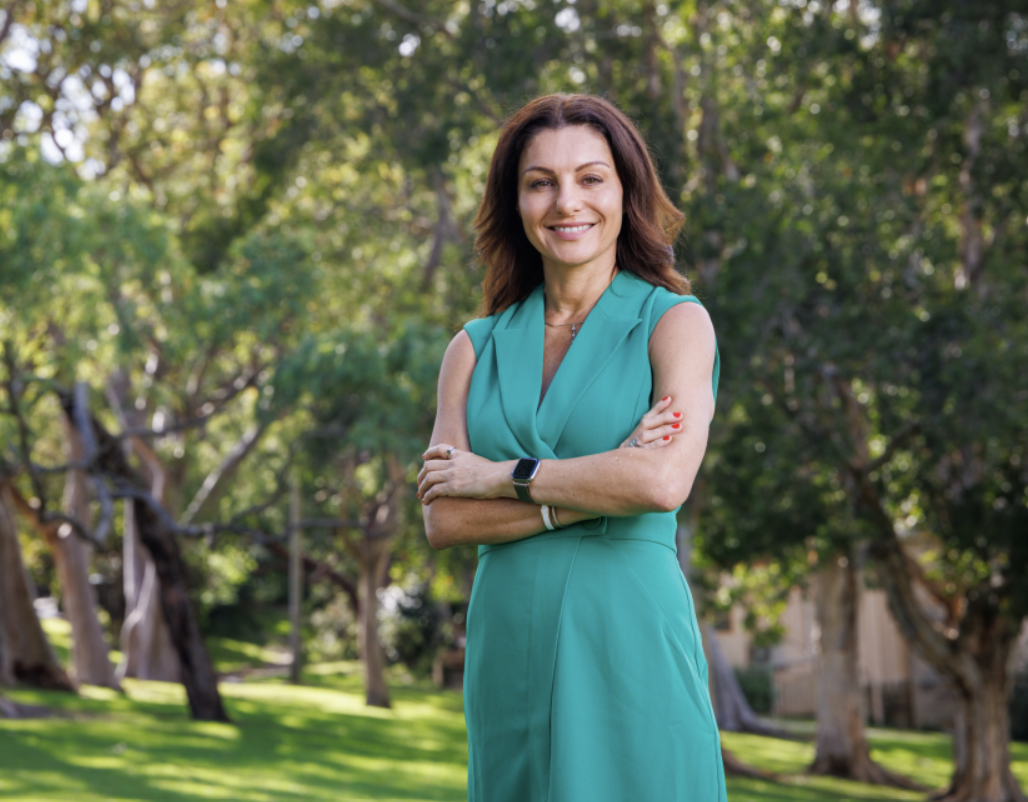
“I’ve owned real estate and construction businesses for 30 years, and I still make decisions every day without knowing how people will respond. In property, nothing is guaranteed, so you consider everything you know, trust your instinct and make the best decision you can.
“The hardest part of leading people is that no two people are wired the same way, so your approach is constantly changing. Every person — whether a team member or a client — is going through something different, even if the situation on paper looks the same. Listening well and genuinely caring change the quality of every conversation and always improve the outcome.
“The ideas that come to me in the peace of the night are often far better than those from the noise of the day. Our clients are trusting us with their biggest financial asset, and I don’t take that lightly. If lying awake thinking through another scenario helps them achieve a better outcome, I don’t see that as a bad thing.
“One lesson I’ve learned is that you won’t make everyone happy, and trying to do so will make you unhappy. Early on, I wanted every client to leave the conversation happy. Now I understand the right advice is sometimes advice nobody wants to hear.
“I think good leaders don’t pretend to know everything. It’s OK to admit that you aren’t sure about something, and people respect you more for acknowledging that. You have to seek answers and be willing to learn, often from the smart people you surround yourself with.”
Alexis and Luke Withers, Aalto
Husband-and-wife team Alexis and Luke Withers are co-CEOs of Australian dental technology company Aalto, whose clear aligners are manufactured in Sydney. They set out to make orthodontic treatment simpler and more accessible — and along the way discovered what it takes to lead a business together.
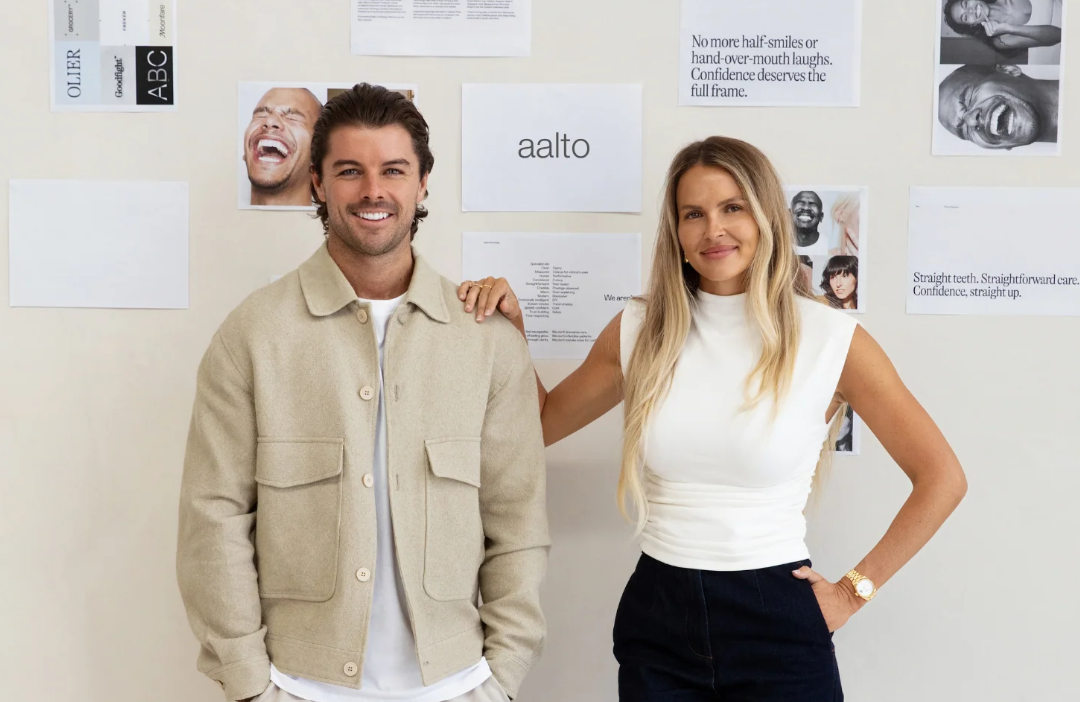
Alexis: “Nobody ever told me that leadership often means walking away from things that are working. One of the biggest decisions we made as founders was to step away from a successful business model despite achieving 312% revenue growth between 2020 and 2025.
“On paper, it made very little sense. But after thousands of patient interactions, we could see where customer expectations and the industry were heading. Leadership isn’t just protecting what you’ve built; sometimes it’s having the conviction to disrupt yourself before somebody else does.
“Another thing no one tells you is that being right matters less than listening. Some of our biggest strategic decisions came directly from customer feedback. Founders can become attached to their original vision, but customers often spot changes in the market before you do. Leadership is having the humility to listen when the evidence tells you your assumptions are wrong.”
Luke: “The traditional sole-CEO structure dominates the corporate landscape, so there weren’t many places to look for examples. What I have come to realise is that your co-founder should challenge you, not validate you.
“On paper, we probably shouldn’t work as founders. Alexis is analytical, methodical and naturally risk-aware. I am instinctive, ambitious and like to move quickly. We rarely approach problems the same way, but over time we’ve realised that tension is one of our biggest strengths. The best decisions usually happen somewhere in the middle of our opposing viewpoints.
“And nobody tells you that running a company with your spouse means there is no off switch! People love the idea of building a business with their partner, but nobody talks about the fact that board meetings happen over dinner and strategy conversations happen on holidays.
“We’ve had to become very intentional about separating founder time from husband-and-wife time, which we still struggle with to the detriment of our friends and family!”

High-end homeowners are choosing to upgrade rather than relocate, investing in bespoke design, premium finishes and long-term lifestyle value.

Travellers are swapping traditional sightseeing for immersive experiences, with Africa emerging as a must-visit destination.