

Touch Screens Are Over. Even Apple Is Bringing Back Buttons.
Product designers are embracing how users actually feel after years of pushing flat and sleek

 5 min
5 min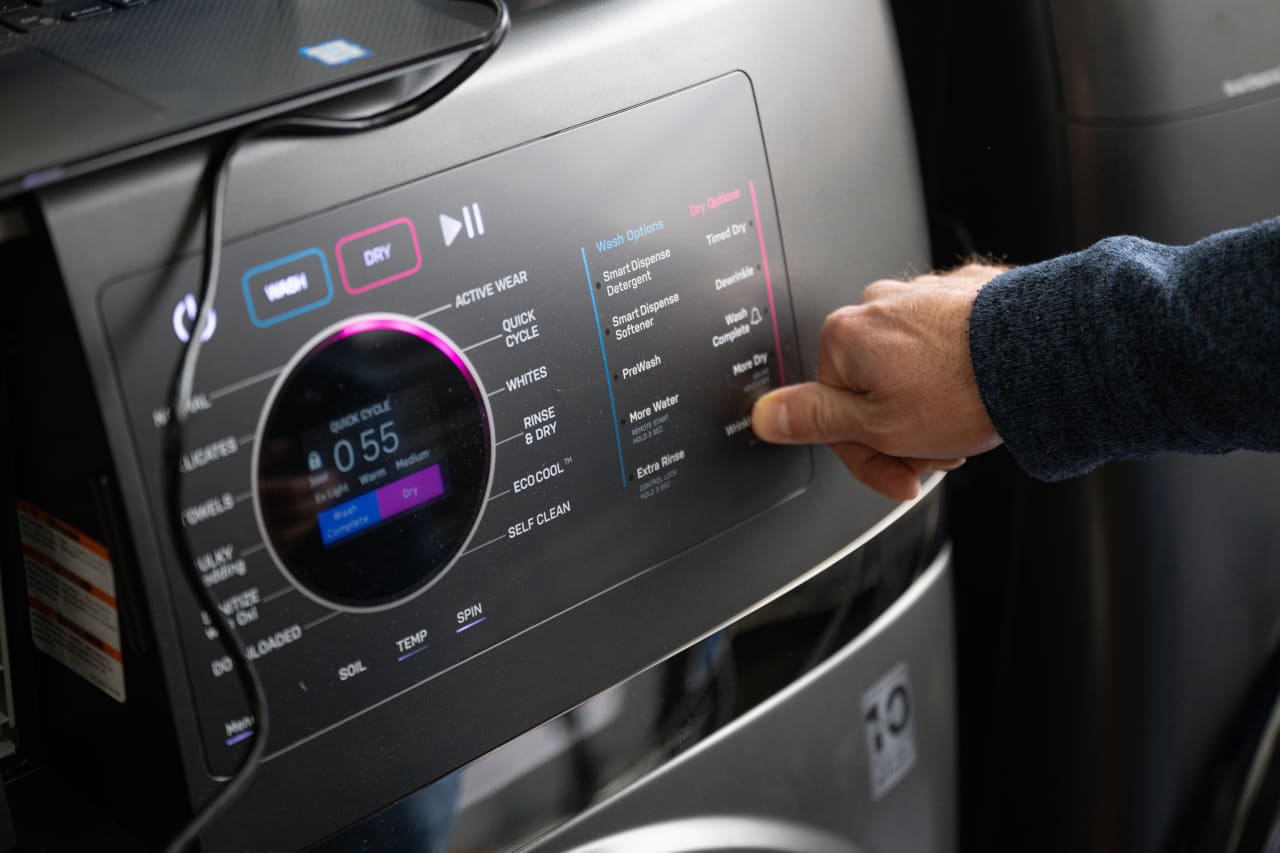
The tyranny of touch screens may be coming to an end.
Companies have spent nearly two decades cramming ever more functions onto tappable, swipeable displays. Now buttons, knobs, sliders and other physical controls are making a comeback in vehicles, appliances and personal electronics.
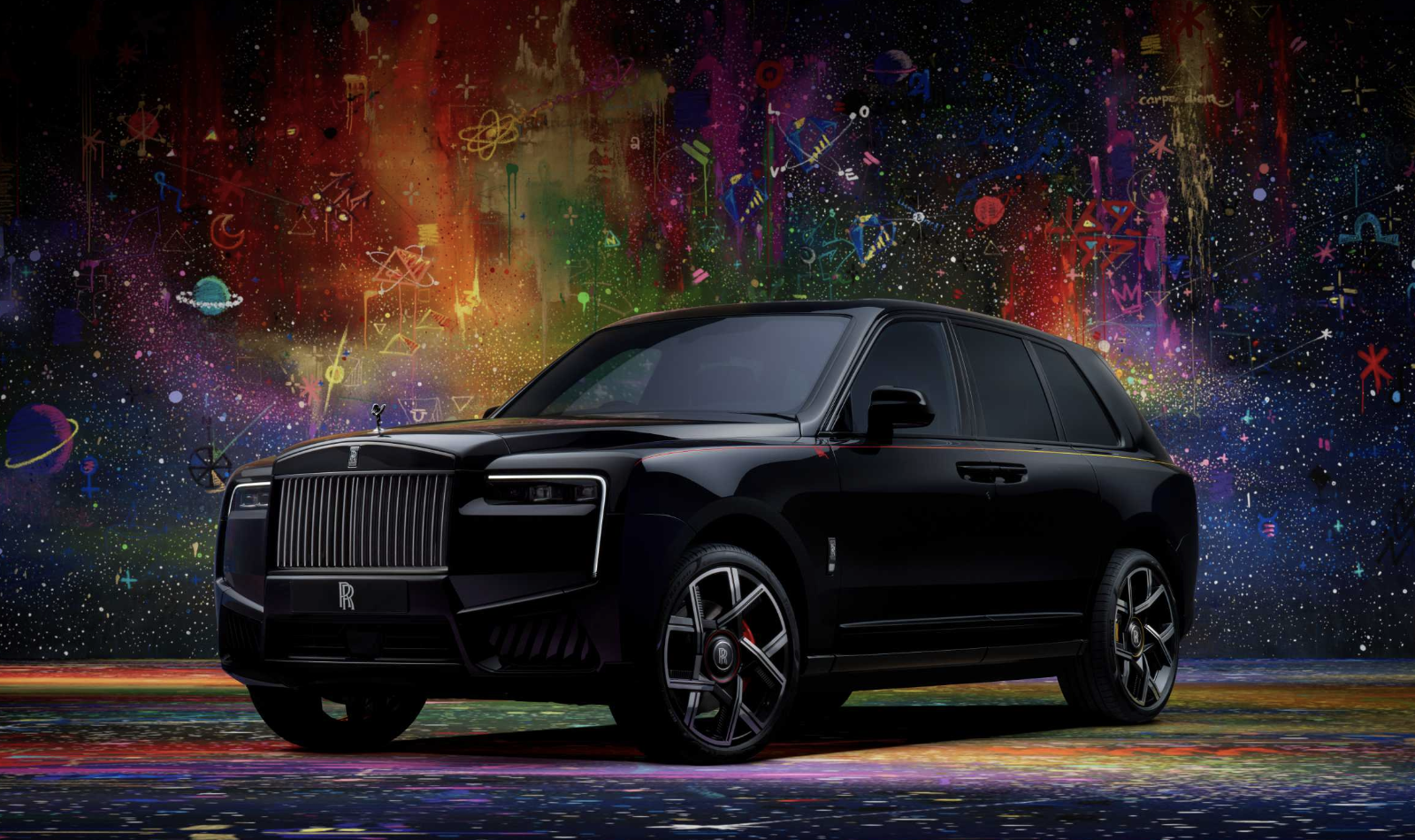
In cars, the widely emulated ultra-minimalism of Tesla’s touch-screen-centric control panels is giving way to actual buttons, knobs and toggles in new models from Kia , BMW ’s Mini, and Volkswagen , among others. This trend is delighting reviewers and making the display-focused interiors of Tesla and its imitators feel passé.
Similar re-buttonisation is occurring in everything from e-readers to induction stoves.
Perhaps the most prominent exponent of this button boom is the company that set us lurching toward touch screens in the first place. Apple added a third button it calls the “action button” to its full slate of new iPhone 16s unveiled this month, after introducing the feature on its upscale Apple Watch Ultra and Pro-model iPhones over the past couple of years. It also added a button-like “camera control” input on the iPhone’s side.
As Apple shows, companies aren’t just rediscovering buttons, they’re reconceiving them. The camera control includes touch features, and the company has also developed the “force sensor” that enables its AirPods to respond when you squeeze their stems.
Engineers and industrial designers—often prodded by user complaints—are tapping into our exquisitely sensitive sense of touch and spatial awareness, known as proprioception. And it’s all in service of making gadgets easier, more fun and, in some cases, safer to use. We want to touch type or operate cruise control without averting our eyes from the road.
Why buttons became sensors
To understand why buttons are making a comeback in a world in which any kind of controls are possible, it helps to understand how we got to the current, too-often sorry state of human-machine interfaces.
Touch screens have their virtues, which explains the initial enthusiasm for them. We can do a lot more by tapping our iPhones than we ever could have with the old-school BlackBerry , however much we miss those clicky little keyboards.
As soaring production drove down the price of such displays, though, they became something of a crutch for gadget designers and corporate bean counters.
“Now that touch screens are the cheapest option, they’re being deployed everywhere, even in places where they don’t belong,” says Sam Calisch, chief executive of Copper, a startup that makes induction ranges for cooking . In electric stoves and ovens, this has led to poor design decisions—for example, induction cooktops with touch-based controls that become inoperable when a pot boils over, as my Wall Street Journal colleague Nicole Nguyen lamented last year .
Even when our devices have buttons, they are too often the kind that are flat like touch screens, and have similar shortcomings. Capacitive buttons sit flush on hard surfaces and don’t actually give way when you press, and so can only signal they’ve been activated through sound or light. These, too, have taken over because they are cheap and easy to incorporate into the printed circuit boards that are already inside gadgets, whereas incorporating physical switches means additional wiring and complexity, Calisch says.
Anyone who has known the agony of having to mash a capacitive button on a newer washer, dryer or dishwasher knows how uniquely infuriating such cost-cutting measures—masquerading as futuristic interfaces—can be.
The hazards of ‘touch’ interfaces
Fundamentally, the problem with touch-based interfaces is that they aren’t touch-based at all, because they need us to look when using them. Think, for example, of the screen of your smartphone, which requires your undivided gaze when you press on its smooth surface.
As a result, “touch screen” is a misnomer, says Rachel Plotnick, associate professor of cinema and media studies at Indiana University Bloomington, and author of the 2018 book “Power Button: A History of Pleasure, Panic, and the Politics of Pushing,” the definitive history of buttons. Such interfaces would be more accurately described as “sight-based,” she says.
The hazards of burying many of a vehicle’s controls inside touch-screen menus that need drivers to look at them have become so obvious that the one European automotive safety body has declared that vehicles must have physical switches and buttons to receive its highest safety rating. Responding to criticism from drivers, Volkswagen has pledged to bring back physical controls for certain oft-used features, such as climate control.
Newer electric vehicles from BMW Mini are bristling with physical controls. To make it so drivers never have to take their eyes off the road, industrial designers at Mini put into their vehicles a user-customizable head-up display that drivers can navigate using buttons and a scroll wheel on the steering wheel, says Patrick McKenna, head of product and marketing at Mini USA. These controls can also be accessed through the vehicle’s round touch screen, and via a voice assistant. The entire point of the vehicle’s interfaces is redundancy, safety and a reduction in distractions, he adds.
Satisfying switches and clicky keyboards
The switch back to physical interfaces is also, in many ways, a vibe shift. With touch screens ubiquitous, what was once viewed as luxurious is becoming tacky. Physical controls, done well, now signal the kind of thoughtfulness and exclusivity once attached to the original iPhone.
Take the knobs on the induction range from Copper. Made of walnut, they let cooks know, without looking, the level of heat they’ve set a burner to—just like physical knobs on a gas range. This is deliberate, says Calisch, who admits that in the past he’s put capacitive-touch sensors on other electronics he’s designed.
Physical controls are effective in part because of our sixth sense, known as proprioception. Distinct from the sense of touch, proprioception describes our innate awareness of where our body parts are. It is the reason we can know the position of all our limbs in three-dimensional space down to the precise position of the tips of our fingers.
Making good physical interfaces isn’t just about the utility of engaging our sense of touch; the big button comeback is also about joy. Think of the satisfying heft of the volume knob on a hi-fi stereo, or the way a proper ergonomic keyboard can make typing seem less of a chore.
A good example of this sense of fun is the hand crank on the side of the Playdate portable video game system, which also includes a familiar, plus-shaped D-pad and two buttons. Putting a controller that works like the crank on an old coffee grinder onto a gadget resembling the original Gameboy is about whimsy, but also introduces new game mechanics that would otherwise be cumbersome or even impossible on other devices, says Greg Maletic, director of special projects at Panic, the company that makes the Playdate.
Makers of musical instruments have always understood the importance of physical controls. Teenage Engineering, the Swedish consumer-electronics company Panic partnered with to make the Playdate, makes a variety of synthesisers bristling with a dizzying array of buttons, sliders and knobs.
Once you know what to look for, it becomes apparent that this kind of design thinking is showing up all over the place, and that adding physical controls back to a device ignominiously stripped of them can unlock new kinds of interaction and utility.
E-readers have begun adding back page-turn buttons. While Amazon has abandoned such buttons in its Kindles, competitors from Kobo, Nook and Boox all now offer models that include them.
Similarly, Apple—whose 2007 launch of the iPhone ushered in a touch-screen era—is adding a surprising variety of buttons back to devices that previously seemed on a trajectory to have none at all.
It restored the physical function keys atop the keyboards on its MacBook Pro computers in 2021, after replacing them with much fanfare in 2016 with a touch-screen strip that it touted as the Touch Bar. Apple boasted that restoring physical keys brought “back the familiar, tactile feel of mechanical keys that pro users love.”
The push to re-physicalise interfaces has even led to an unexpected side gig for Dr. Plotnick, the academic authority on buttons. Companies are tapping her to consult on how to improve their physical controls. At its heart, these consultations—which include advising on the function of potentially lifesaving buttons on medical devices—are about making interactions with machines less intimidating and more intuitive.
“You know, there’s often a lot of skill behind button pushing—even though it seems like the simplest thing in the world,” she says.
 Copyright 2020, Dow Jones & Company, Inc. All Rights Reserved Worldwide. LEARN MORE




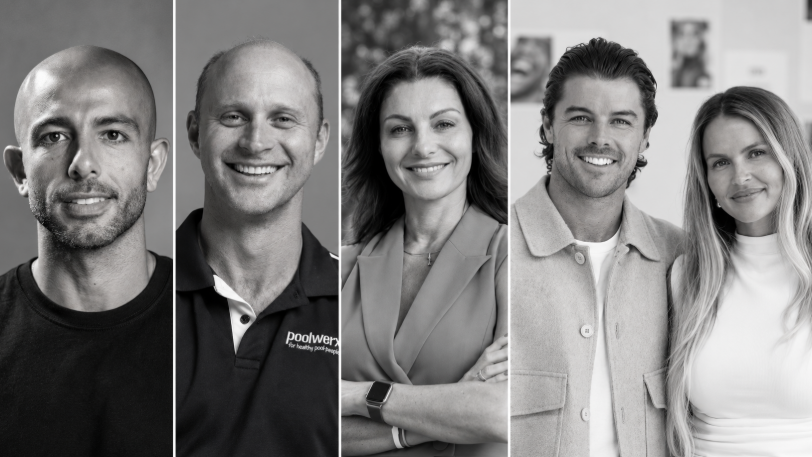
From making unpopular decisions to learning when to listen, leaders from five businesses reveal what nobody prepared them for — and how running a company has challenged their expectations.
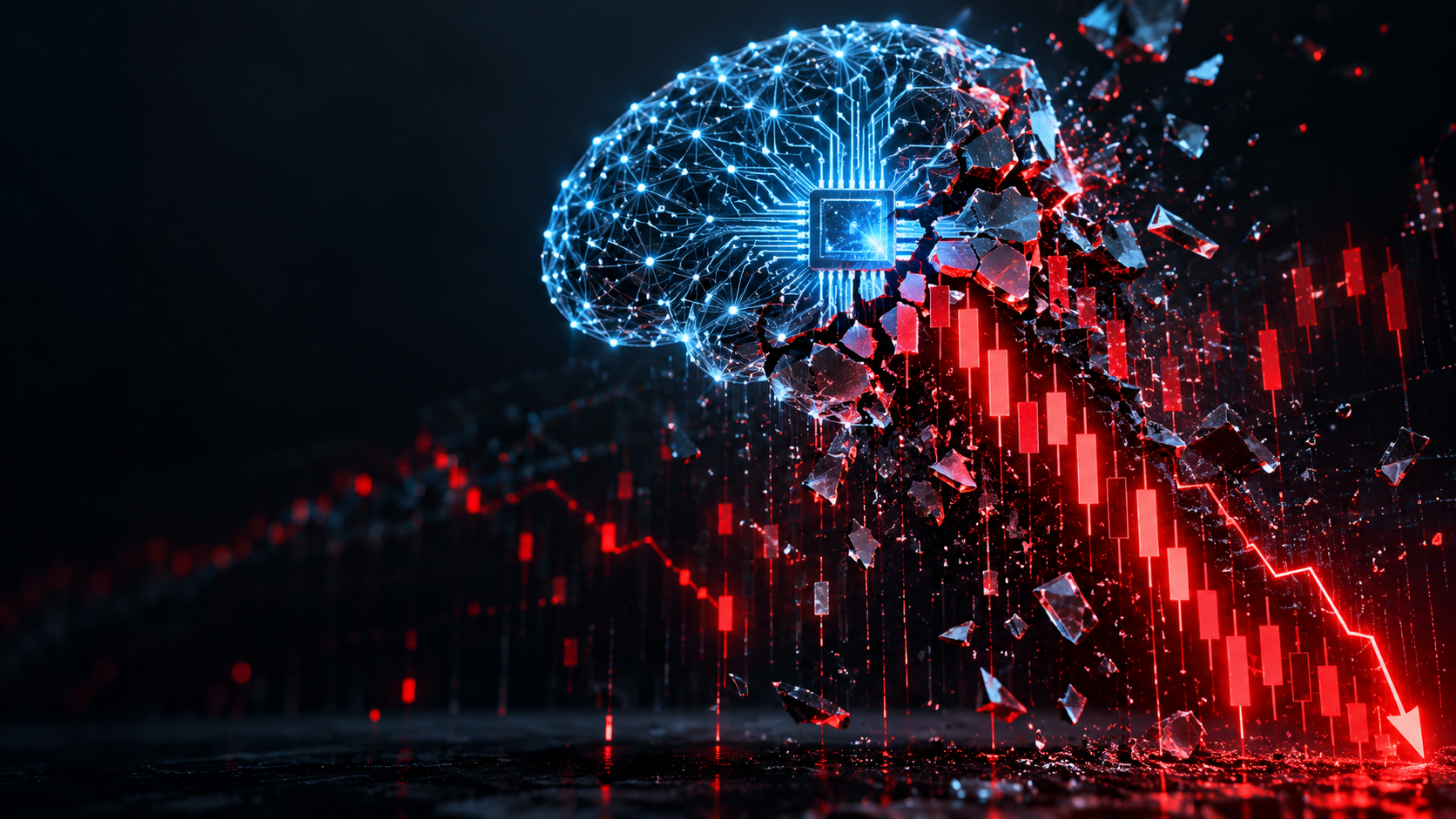
Technology and semiconductor shares fell sharply as investors questioned the debt financing the AI infrastructure boom and confronted higher rates and Chinese competition.

Elon Musk is exploring a potential merger between Tesla and SpaceX, a deal that could reshape the future of AI, robotics, autonomous vehicles and space technology. With a combined valuation potentially reaching $3.5 trillion, the move could bring Musk’s vision of an interconnected technology ecosystem closer to reality, although a deal remains uncertain.
5 min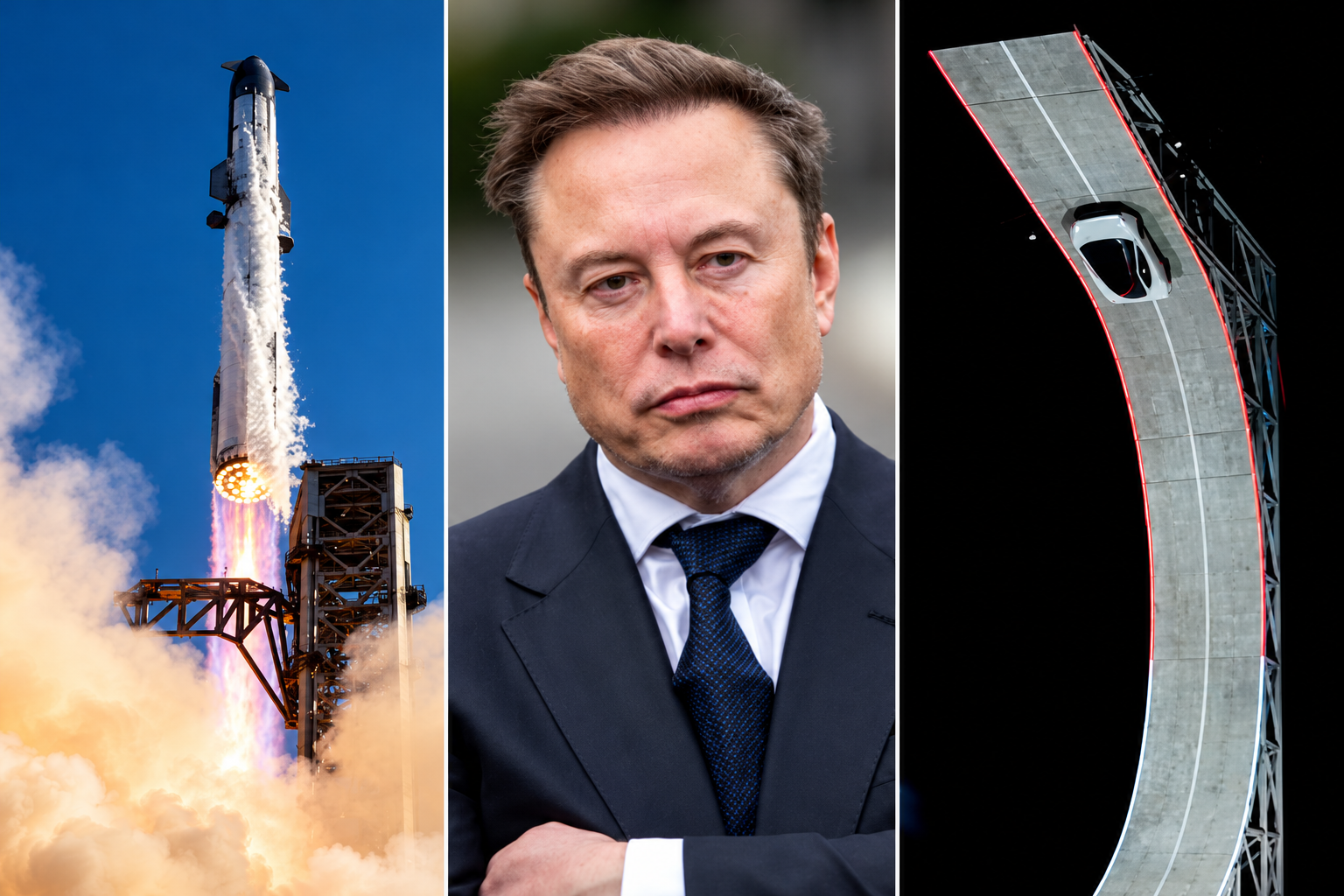
Elon Musk has engineered ties between Tesla TSLA 3.41%increase; up pointing triangle and SpaceX SPCX 7.79%increase; up pointing triangle that are hard to break, and now he wants to fuse them together permanently.
Musk has run both Tesla and SpaceX concurrently over the past two decades, using a schedule that dictated which days he spent focused on each business.
The companies have often shared resources and personnel, signaling their close ties. Last year, SpaceX looked into creating a spacesuit for Tesla’s humanoid robot Optimus, a person familiar with the matter said. Tesla last week showed off its new Roadster, a vehicle featuring SpaceX rocket thrusters that it hopes to soon bring to market.
And in recent months, Musk has repositioned both companies by expanding beyond their core operations toward a shared mission centered on artificial intelligence.
The world’s richest man on Tuesday signaled his interest in tying up SpaceX and Tesla, marking what would be the biggest corporate merger of all time. Because he serves as chief executive of SpaceX and Tesla, Musk said committees of independent directors at both companies are evaluating a possible deal, adding that a transaction might not come to fruition.
The committees will likely evaluate, with lawyers and bankers, how each company would fare in a potential deal and how a deal might best be structured. They then present their conclusions to their respective boards, who typically vote on whether to proceed.
“It’s an odd Kabuki dance where two groups of people are talking and I can’t be in the conversation,” Musk told SpaceX investors on Tuesday in response to an analyst’s question about a potential deal.
For Musk, the merger supports his vision of a world full of autonomous cars, humanoid robots and weekly rocket launches, as well as the data centers and satellites required to keep the whole thing running.
Some investors and analysts said they expect a transaction would be structured as an all-stock deal, with SpaceX potentially paying a modest premium for Tesla shares.
SpaceX, which has a market value of about $2 trillion, said it is seeing sharp growth in revenue across its businesses, which include operating data centers, launching rockets and operating satellite networks such as the internet service Starlink. Tesla is valued at about $1.5 trillion and is expanding its operations beyond its automotive and energy business. Shares in both companies traded higher following the news Tuesday.
Musk’s substantial ownership stakes in both companies, along with voting control at SpaceX, has enabled him to set the deal in motion. Analysts and investors said the deal will probably face regulatory scrutiny internationally, though some see Musk’s close relationship with the Trump administration as an asset to getting approval.
Blurred lines
The companies haven’t said which directors are on the special committees evaluating a potential deal. Several SpaceX and Tesla board members have either personal or business ties to Musk. And like Musk, venture capitalist Ira Ehrenpreis sits on both boards.
In a filing this week, Tesla outlined millions of dollars in business agreements with SpaceX and its subsidiaries last year, including $143 million in car sales to SpaceX, $3.3 million in advertising that it bought on the social-media platform X and $430 million in revenue from the sale of Megapack batteries for SpaceX’s data centers.
The companies also split the cost of resources including the use of Musk’s SpaceX jet and the bill for his personal security, which he runs through a private company.
Employees at both companies routinely move between companies to work on special projects, and some executives have dual roles, including Charles Kuehmann, vice president of materials engineering at both SpaceX and Tesla, and Ashok Elluswamy, the vice president of AI software at Tesla who runs a joint venture with SpaceX called Digital Optimus.
Over the years, Musk has launched new startups within his empire, including brain-implant company Neuralink, underground-tunnel developer the Boring Company and xAI, the AI startup that merged with SpaceX in February.
It is that AI business that Musk thinks can serve a market worth tens of trillions of dollars, justifying the need for a merger.
The business case goes like this: Tesla is developing robotaxis and robots, which it calls “physical AI.” SpaceX is working on the back end of physical AI: the data-center capacity and internet connection required for those robotaxis and robots to operate continuously.
“I don’t see what the value of Tesla is if it’s not merged with SpaceX,” said investment adviser Ross Gerber, a former Tesla bull turned critic invested in both companies. “If they don’t merge, the brains of everything that runs Tesla is owned by another company.”
On top of it all, both companies face constraints on the supply chains they need to make this world a reality, particularly when it comes to chips. To address this, Musk earlier this year announced a joint venture between Tesla, SpaceX and Intel to design and manufacture chips in Texas. “The most epic chip-building exercise by far,” he has said.
Musk at the wheel
For Musk, a merger would also solve two problems: demands on his attention and his lack of control at Tesla.
Tesla for years was Musk’s only public company, a status that came with greater scrutiny. There, Musk reports to a public board, as well as individual investors who make up around 30% of Tesla’s voting power, according to FactSet.
The question of Musk’s attention became a particular focus for investors and the board in recent years after he acquired Twitter in 2022 and launched xAI in 2023, and again in 2025 as he spent time in Washington, D.C., running the Department of Government Efficiency in the early months of President Trump’s second term.
As Tesla’s car business suffered in 2025, Musk threatened to take his AI ambitions outside the company if he wasn’t granted 25% voting control. Last November, Tesla shareholders approved a new pay package for Musk, which created a path for him to vastly expand his stake.
As of Sept. 30, Musk owned a roughly 20% stake in Tesla, according to the company’s proxy filing.
The SpaceX IPO gave Musk a different path. When SpaceX went public in June, the deal’s structure enabled him to have more than 80% voting power at the company—so much that he can’t be fired and decisions can’t be made without his support.
If SpaceX acquires Tesla, he will likely stay in control.

From Italian vegetable-tanned leather to real-world training insight, Australian brand PK9 Gear is redefining what luxury means for discerning dog owners.

Pure Amazon has begun journeys deep into Peru’s Pacaya-Samiria National Reserve, combining contemporary design, Indigenous craftsmanship and intimate wildlife encounters in one of the richest ecosystems on Earth.