


A New iPhone Is Coming. Should You Upgrade or Just Fix Your Old One?
By improving sluggish performance or replacing a broken screen, you can make your old iPhone feel new agai

 4 min
4 min
When the scent of pumpkin spice lattes starts to fill the air, I know it’s time for those texts from friends and family: “Should I get the new iPhone?”
My answer? Ehh, probably not. Temptation to upgrade will be high after Apple’s Sept. 9 launch event. And there are very good reasons to buy the new model.
But just because your oldie but goody suffers from sluggish performance, short battery life or a cracked touch screen, it isn’t doomed to become e-waste.
By spending a little on repairs, you could save hundreds of dollars and extend your current iPhone’s life by a year or more. Plus, it’s worth waiting for the imminent iOS 26 software update , which will add new tricks to recent older hardware—at no additional cost.
Upgrade, update or repair?
That all depends on your model and its condition. Is your current iPhone…
…more than six years old? Upgrade. Apple supports iPhones with new software updates for about seven years. The version of iOS expected next month doesn’t support iPhone XS, XS Max or XR, or any earlier models. These updates include crucial security fixes, and outdated software can put your data at risk, so yes, you’ll need new hardware.
…a 2019 or newer model? Update. iOS 26 comes with a live translator, spam-call screener and other helpful new capabilities, though the “liquid glass” redesign will require some adjustment.
A note: Even if your model is compatible with iOS 26 , some tricks are only available in the newest iPhones. Apple Intelligence, which includes access to ChatGPT via Siri and Genmoji, only works on iPhone 15 Pro, all of the iPhone 16 models (including the 16e ) and of course the iPhones Apple is about to announce.
… feeling slow? Or short on battery life? Repair. A battery replacement can help with performance and battery life. As your iPhone’s battery ages, the device is designed to draw less power, which means occasional unexpected shutdowns.
Go to Settings > Battery > Battery Health. If the capacity is below 80%, you should replace your battery. That should cost $99 or less, depending on the model.
If your battery is above 80%, go to Settings > General > iPhone Storage. Deleting unused apps or uploading photos to the cloud can help with speed too.
…cracked? Repair. The cost depends on your model and the damage.
Apple’s online tool can spit out an estimate for an Apple Store screen swap, which generally runs between $199 and $379. You typically make an appointment and then wait about 30 minutes.
Independent shops can offer you a lower price for a third-party aftermarket part, but quality can vary. While iPhones now have OLED screens, you can go cheap and replace yours with an LCD screen. But they don’t look as good and can cause rapid battery drain, said Jessa Jones, owner of iPad Rehab Microsoldering, a mobile-device repair and data recovery shop in Honeoye Falls, N.Y.
If you’re given the option, go for a “soft” OLED screen for the best combination of sharpness and durability.
Broken back glass is trickier. Apple charges between $199 and $499 for this repair. Jones said it often requires swapping the whole external housing to preserve water-resistance.
Cameras are one of the simplest repairs, Jones said. She replaced two different camera lenses on her iPhone 12 Pro, and the raw materials only cost her $1.43. Through Apple, this repair costs between $169 and $249. Jones’s shop charges $50 plus tax for a repair with aftermarket parts.
…not working properly? Repair or replace. Start with an Apple Store consultation. Issues such as water damage or a faulty charging port need a deeper assessment. For these trickier cases, Apple may recommend paying for a replacement phone. In that event, if you don’t have AppleCare, it might be better to buy one of the latest iPhones instead.
A local, independent shop might have more creative solutions. “For water damage, we’d tear down the entire phone, remove everything, and let it sit in a dehumidifier for a little while,” said Alex Hausfeld, a franchise consultant and former technician at uBreakiFix, which has over 680 repair locations.
Apple Store vs. repair shop vs. DIY
If you live near an Apple Store or an Apple-authorized service provider, a repair is straightforward. You can make an online reservation for in-person support , and often the repair can happen while you wait.
If you’re far from a store, Apple’s mail-in option can take up to nine business days, round trip.
There are also DIY kits from Apple , iFixit and others—a route for savvy tinkerers only, warned Jones. “Taking off a screen used to be like shucking an oyster. But they have become thinner and thinner. They’re easy to break, and really expensive.”
A local repair shop can be more convenient and affordable than either of those options. But because quality varies, uBreakiFix’s Hausfeld suggests vetting the technician with these questions:
• Is the replacement a genuine original manufacturer or aftermarket option? If it’s the latter, ask about potential impacts to performance.
• After the repair, how will the water-resistance and durability of the phone change?
• What warranty do you offer for replacement parts? Many shops should guarantee their parts for at least six months; uBreakiFix has a one-year warranty.
This year, your best iPhone upgrade might be a fresh battery, a clean screen and some new software tricks. Plus, the extra cash you get to keep in your pocket.
 Copyright 2020, Dow Jones & Company, Inc. All Rights Reserved Worldwide. LEARN MORE





A record-breaking $11 million sale at The Centennial Collection has set a new benchmark for luxury apartment living in Bondi Junction.

As interest rates, inflation and market sentiment fluctuate, investors are being urged to focus on data, not panic.


Police, paramedics, firefighters and the public will walk from Newcastle to Penrith this September for World Suicide Prevention Day.
2 min
NSW schools, gyms, 000 services and the public are being called on to lace up for Steps for the Love of Living, a four-day, 200km walk from Newcastle to Penrith held in honour of World Suicide Prevention Day.
The walk will draw star power as well as solidarity: legendary MMA fighter and former WIBA and WBF world champion boxer Arlene Blencowe, known as “The Aussie Girl ‘Angerfist'” and a respected youth mentor, will join the walk’s final leg from Parramatta to Penrith.
She’ll be joined by five-time Olympian and diving icon Melissa Wu, Ambassador for the Step Into Action Foundation.
The walk runs from September 10 to 13, beginning on World Suicide Prevention Day itself, and starts at Newcastle’s McDonald Jones Stadium before finishing at Penrith Showground.
It’s a joint initiative between The Australian Man Cave Support Group Inc and the Step Into Action Foundation, two organisations working on the frontline of suicide prevention in NSW.
The Australian Man Cave provides a safe, non-judgmental space for men to speak openly, with a focus on reducing the rate of male suicide, while Step Into Action concentrates on youth suicide prevention through resilience-building and early-intervention programs.
This year’s event also features a friendly inter-service challenge between NSW Police, NSW Ambulance, Fire & Rescue NSW, SES, Surf Life Saving NSW and the Rural Fire Service, who’ll compete to walk the furthest and raise the most for suicide-prevention initiatives.
“This walk is about hope, connection, and standing together,” said Lou Greco, President and Co-Founder of The Australian Man Cave Support Group Inc. “Every step taken is a step toward saving a life.”
Leading the charge is Chris Barton, Founder of the Step Into Action Foundation and a long-distance walking adventurer, who is taking on the full 200km route.
He’ll be joined for part of the way by the “Bakery Brothers”, Tyson Pedro and Rama Pattison, who are trading in punches and pastries for kilometres, walking the full distance alongside Chris.
How to get involved
The event is open to everyone, not just those able to walk the full distance. Participants can:
- Walk the full 200km from Newcastle to Penrith
- Join for a single day or section of the route
- Take part virtually from anywhere in Australia — at school, the gym, work or in the local community, logging kilometres through walking, running, rowing, cycling or treadmill sessions
000 services can enter as teams for the inter-service challenge, and schools and gyms are encouraged to form their own teams to complete the distance collectively.
Funds raised will go towards mental health first aid training, crisis response support, community outreach programs, support services for at-risk men and families, and youth suicide awareness and prevention programs.
Suicide remains one of the leading causes of death among Australian men and young people. Both organisations say the walk is about ensuring no one feels alone in their struggle.
To register or find out more, visit stepsforloveofliving.com.au.
This is a sensitive topic. If this raises any issues for you, Lifeline is available on 13 11 14.
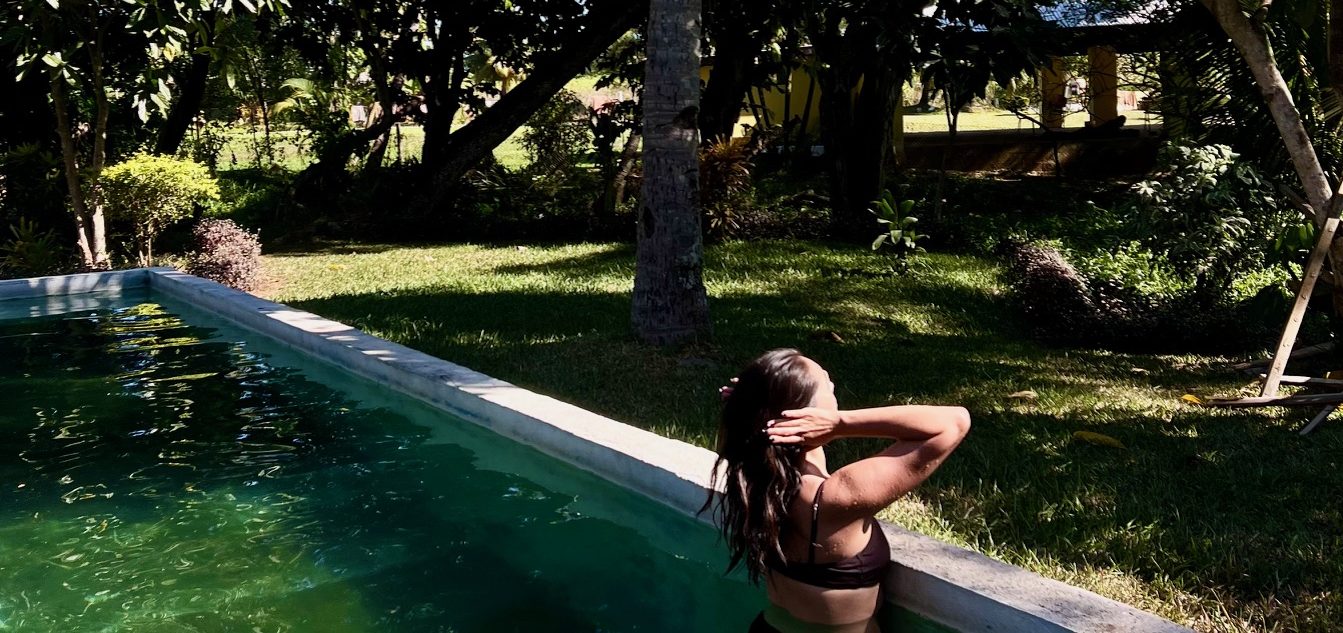
From mud baths to herbal massages, Fiji’s heat rituals turned one winter escape into a soul-deep reset.

Travellers are swapping traditional sightseeing for immersive experiences, with Africa emerging as a must-visit destination.